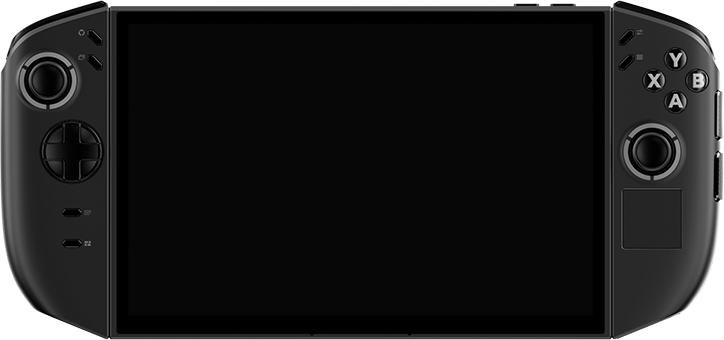
Legion Go 2
Reject the mass-produced. We don’t offer compromised, off-the-shelf presets.
While the market drowns you in someone else's templates, we hand the creative power back to you. Our strict made-to-order approach doesn't just prevent material aging for a flawless feel—it guarantees a zero-tolerance fit around every complex cooling vent.
How your handheld looks is entirely up to you.
$29.99
DEFENSE
BULK
RESISTANT
FRIENDLY
RESIDUE
GUARANTEE
Features
- Made with 3M cast vinyl material, precision die-cut to fit your laptop perfectly. It is scratch-resistant, fingerprint-proof and leaves no residue, putting an “invisible armor” on your laptop.
- Customize your own unique sticker. Whether it’s your name, logo or favorite pattern, it can be perfectly presented to create a mobile workstation that belongs only to you.
- Adopts special low-tack adhesive technology. Even if you peel it off after years of use, it will not leave any residue on the laptop body or damage the original paint surface.
What's in the Box
• Your custom-selected skin(s).
• 1x Wet alcohol prep wipe (for deep cleaning).
• 1x Dry microfiber cloth (for a flawless finish).
• Access to our step-by-step video installation guides.
(Note: The exact number of skin pieces depends on the coverage option you selected above.)
Shipping & Returns
Shipping: We offer FREE Standard Shipping on all orders over $45. For orders under $45, shipping rates will be calculated at checkout. Orders are typically processed and dispatched within 1-2 business days.
30-Day Guarantee & Returns: We stand behind our precision. If you change your mind, we accept returns within 30 days of delivery.
⚠️ CRITICAL RETURN CONDITION: Due to the nature of our products, skins must be 100% unused, unpeeled, and in their original packaging. Once a skin has been peeled from its 3M backing paper or applied to a device, it is permanently altered, cannot be resold, and is strictly non-refundable.
Custom Orders: Skins created using your own uploaded artwork are entirely bespoke and therefore non-refundable. However, if your custom product arrives defective or misprinted, we will gladly provide a free replacement.
How to start a return: Simply email our support team at [help@vibedecal.com] with your Order Number, and we will provide you with the return instructions and address.
Messed up the install? (Our 'Oops' Guarantee)
Installation anxiety? Don’t sweat it. We know applying skins requires a steady hand. If you accidentally stretch, tear, or completely botch the installation on your first try, we’ve got your back.
We offer ONE free replacement per item for absolutely any reason. We don’t charge you a single cent for the materials—you simply cover a small shipping fee.
Just email our support team with your Order Number and a quick photo of the messed-up skin, and we’ll dispatch a fresh one your way.
The Experience
See it in action.
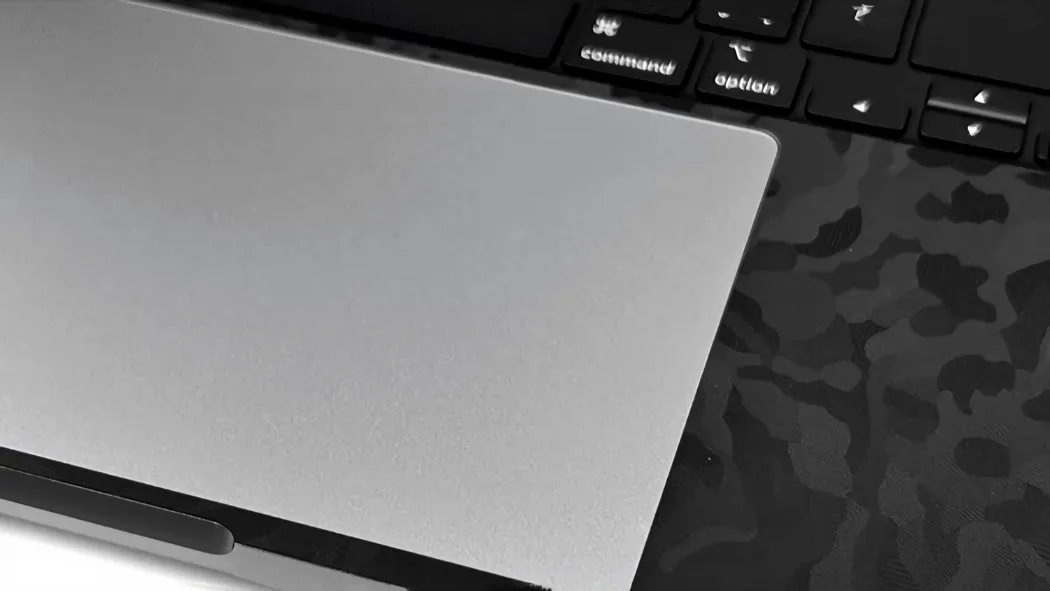
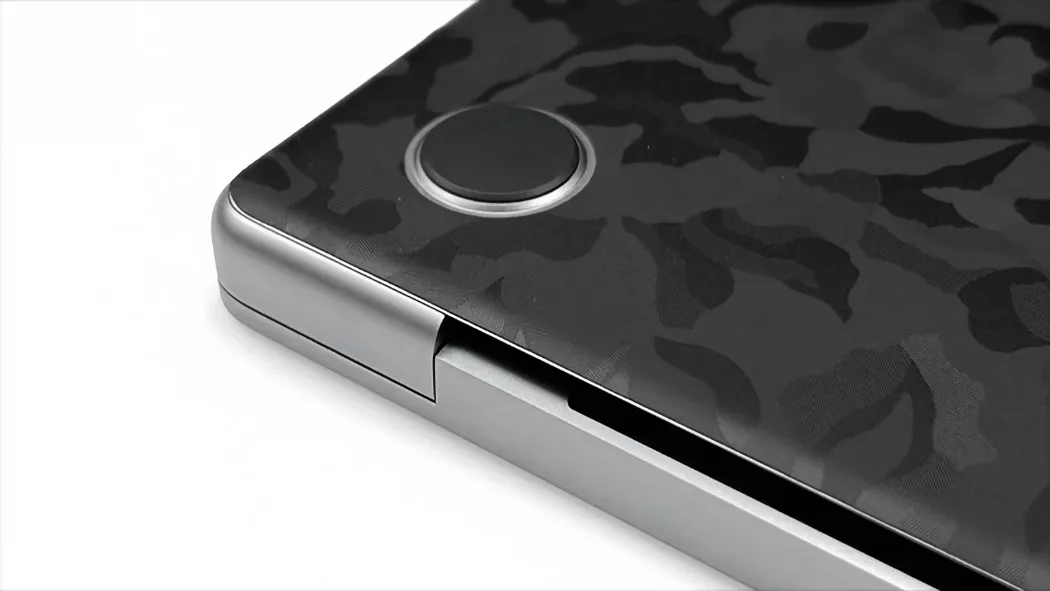
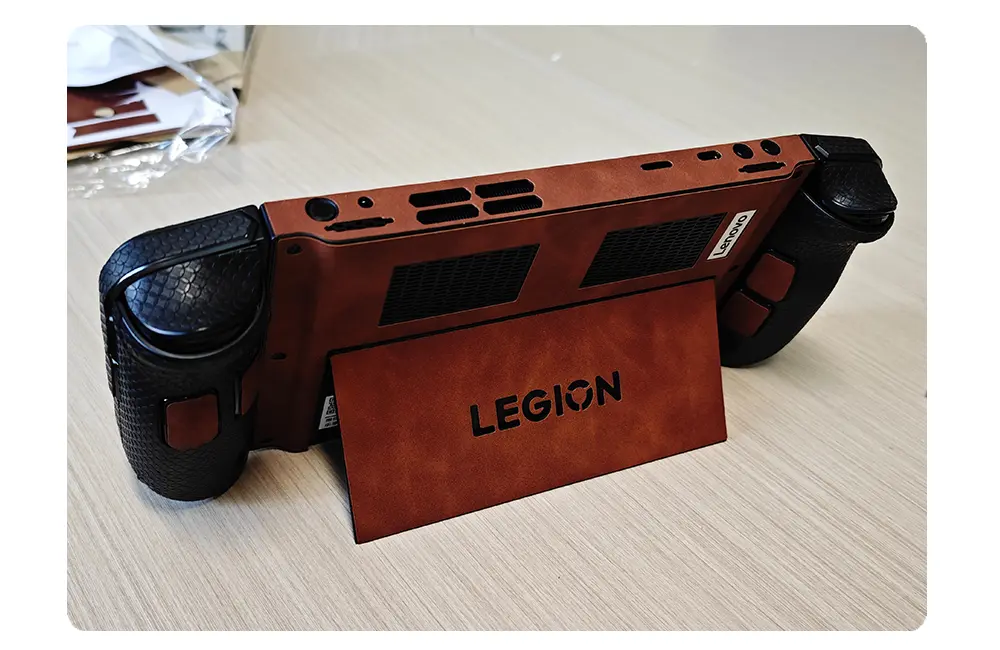
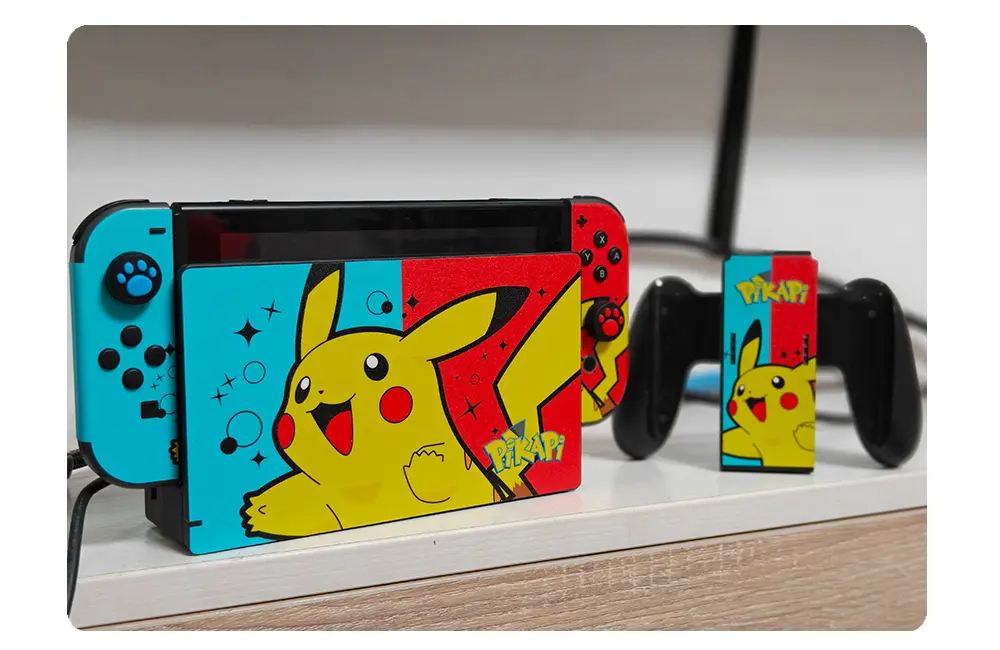
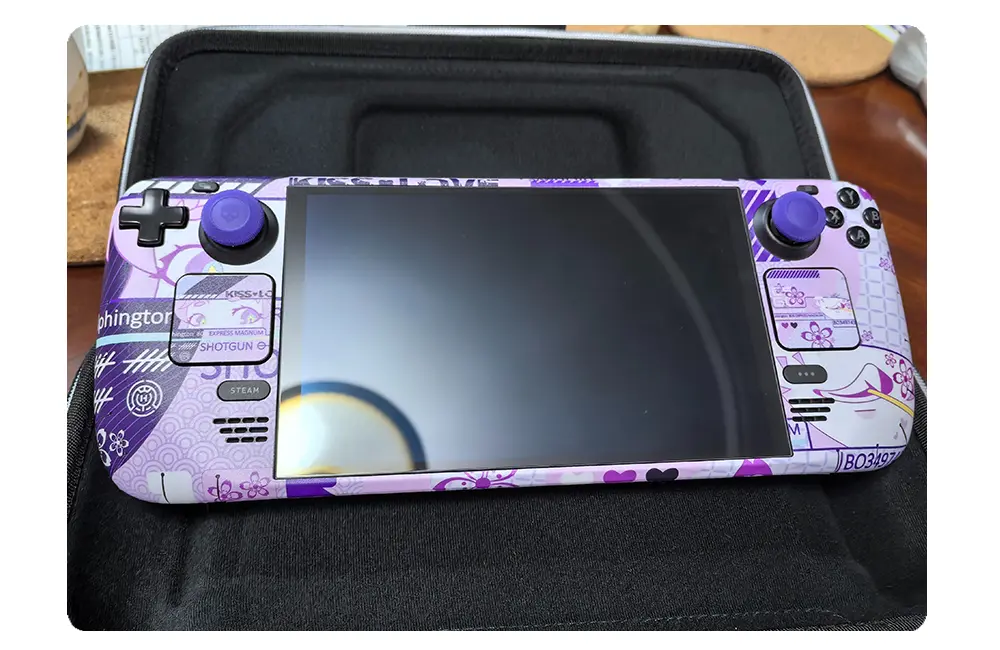
Witness the ultimate transformation. Our premium skins don't just protect your handheld; they redefine your entire gaming vibe. Watch how perfectly our materials contour to every joystick, trigger, and curve.
All-Round Protection
What it looks like? You decide.
We believe your console deserves better than a boring, scratch-prone, fingerprint-magnet finish. Stand out from the sea of generic plastic with a precision-cut custom look that screams your personality before you even boot up the game.
Invisible Armor
Scratch-proof your carry.
Tossing it in your bag? Sliding it into the dock? Don't let daily friction ruin your gear. Our textured skins provide a stealth barrier that hides existing scuffs and actively blocks new damage, keeping your handheld pristine.
Tactical Grip
Sweaty palms? Solved.
Intense boss fights mean sweaty hands. Our high-end 3D-textured finishes not only repel gross grease and sweat but dramatically improve your grip. Never let your console slip during a clutch moment again.
Zero Bulk
Case-free freedom.
Heavy, chunky cases ruin the portability of your handheld and make docking a nightmare. Experience maximum scratch defense and stunning aesthetics without adding a single millimeter of annoying thickness.
Precision Zero
Milling to the millimeter.
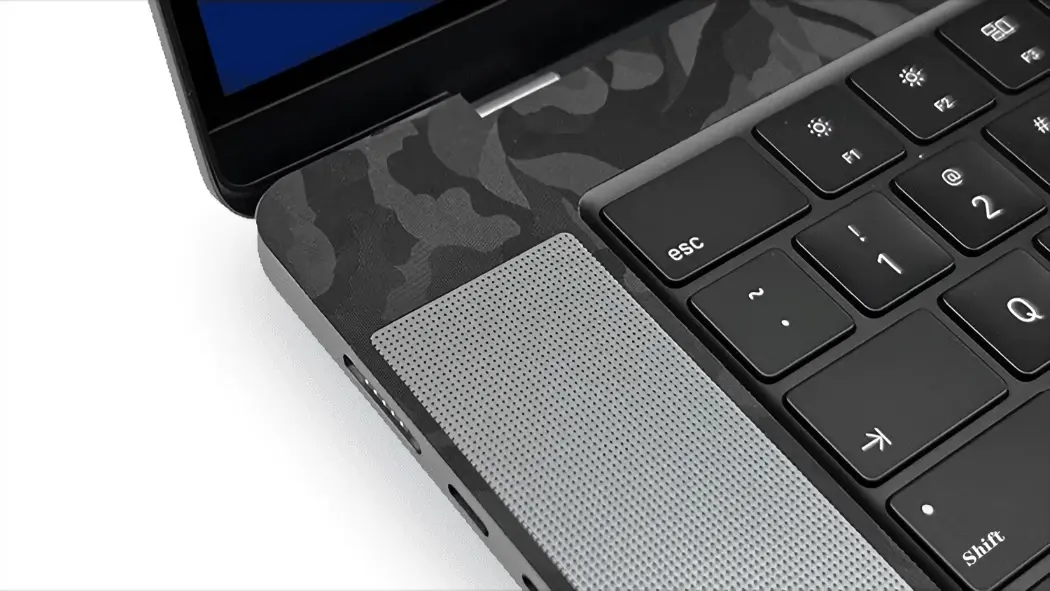
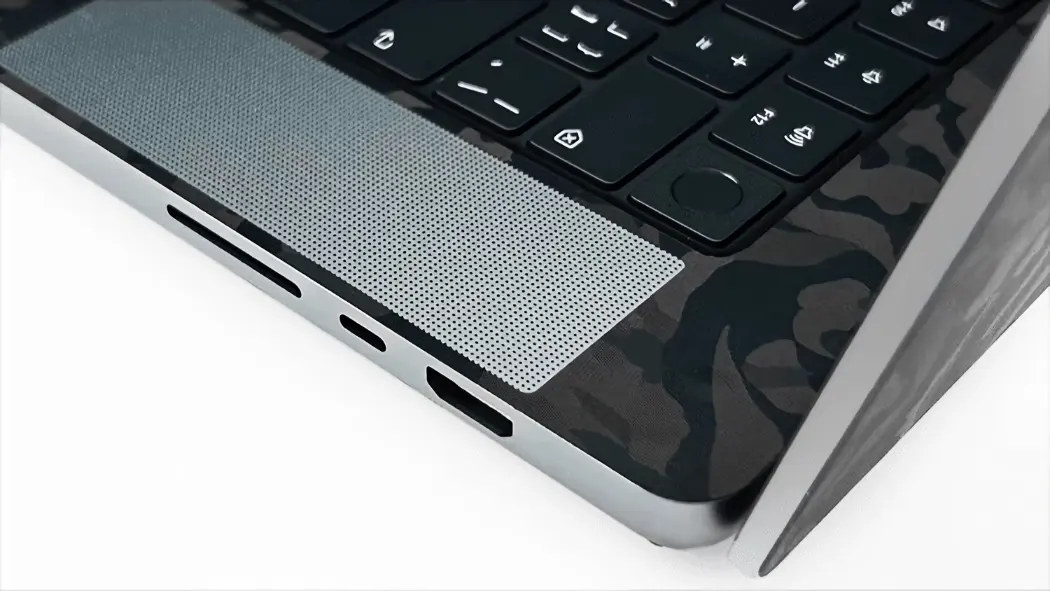
Every vent, every speaker grill, every screw hole. Zero blockage. Our robotic cutting process ensures flawless alignment with your device’s original geometry so your thermals stay icy cool and your buttons stay clicky.
Premium Touch
Transform the plastic.
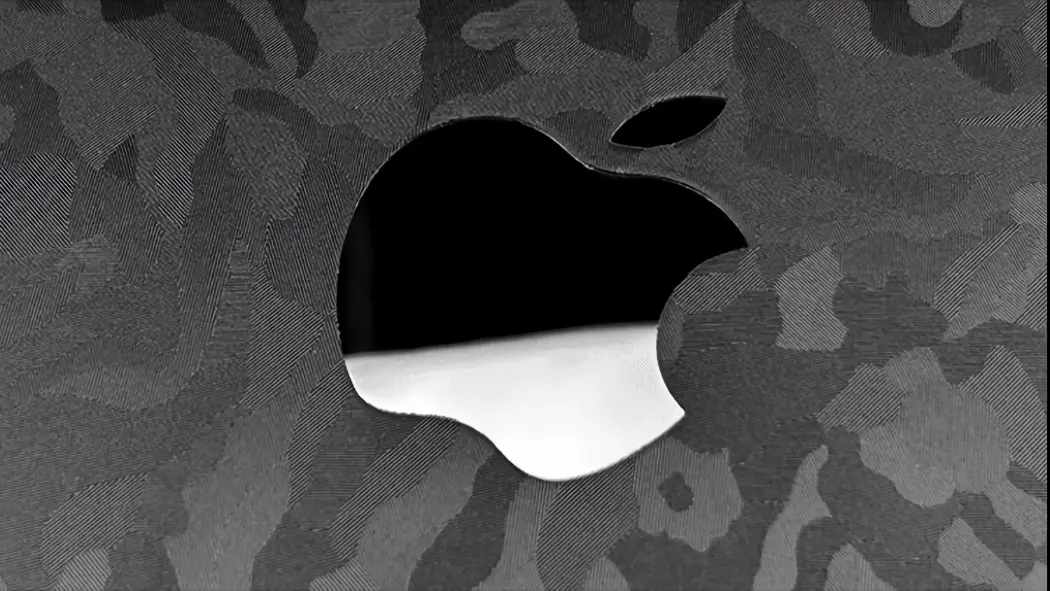
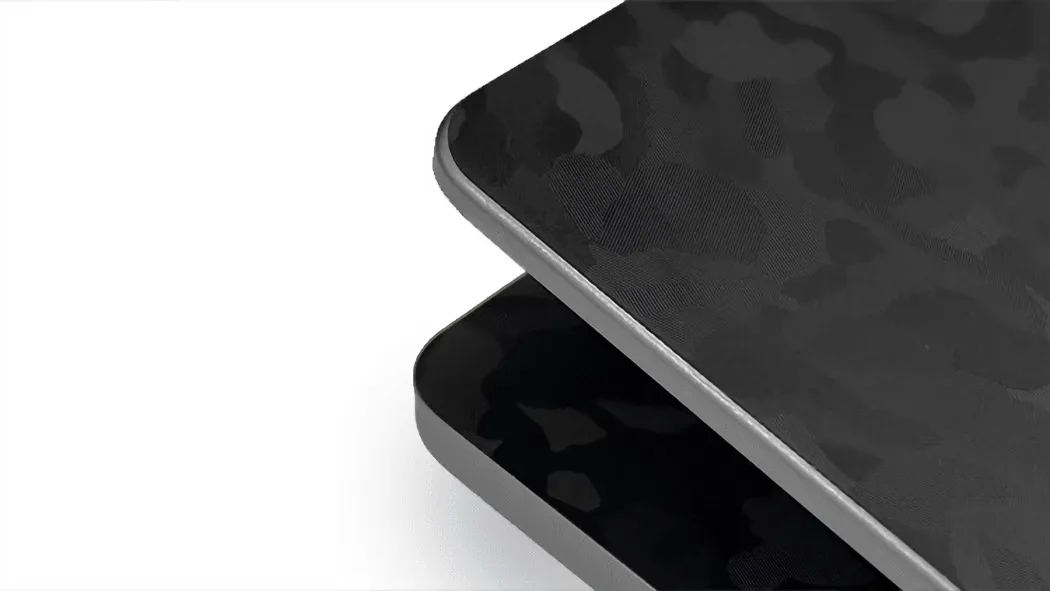
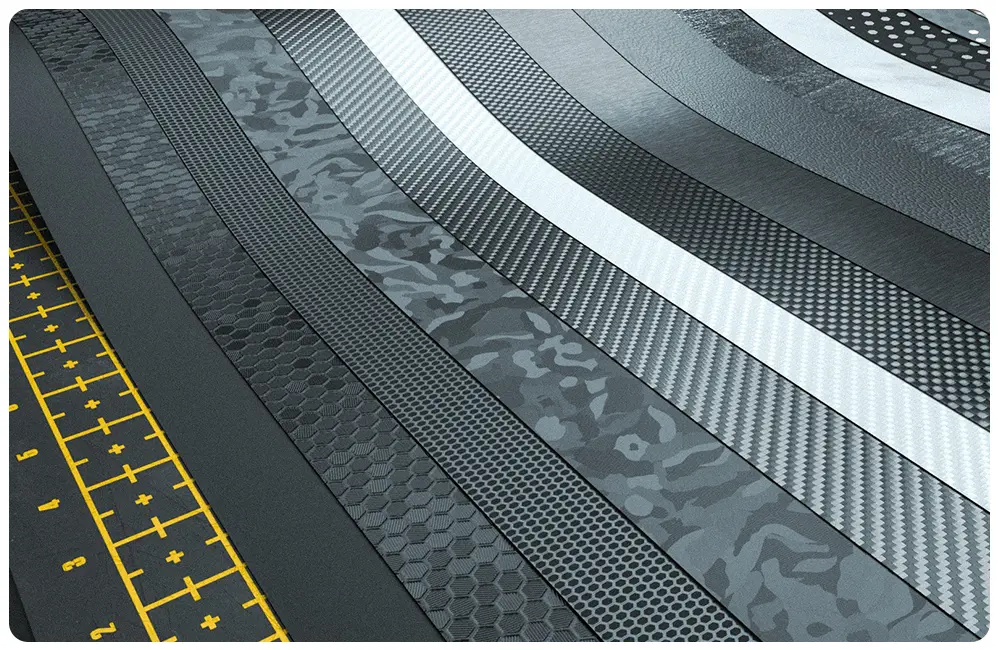
Upgrading your look means upgrading your touch. From stealthy honeycomb to sleek carbon fiber, experience bespoke textures that turn standard gaming hardware into a premium, industrial masterpiece.
Knowledge base
Device Identification
Having trouble? We are here to help!
FAQ
Q: What if I mess up installing it?
A: It is not uncommon to require a retry during installation – and this is a core advantage that makes Vibedecal a trusted choice, backed by our Hassle-Free 100% Satisfaction Guarantee.
We acknowledge that accidental damage may occur when applying your skin. In such cases, we will provide a brand-new replacement at no cost to you; you need only cover the return shipping expense.
For swift assistance, please email a clear photo of the installation damage to help@vibedecal.com, and our support team will ensure your issue is resolved efficiently.
Email: help@vibedecal.com
Q: What preparations are required before applying a laptop skin?
A: ① Make sure the laptop case is free of dust, oil, and fingerprints—wipe it down with alcohol pads and let it air dry completely.
② Turn off the laptop and unplug the power adapter to prevent laptop body heat from compromising adhesive strength.
③ Measure your laptop’s dimensions, then align the skin with the corners, ports, and logo position of the device.
④ If the skin comes with transfer tape, first check that the tape adheres firmly to the skin surface.
Q: What should I do if the laptop skin is applied crookedly?
A: If the skin was just applied and the adhesive hasn’t fully set, gently lift the edge of the skin with your fingernail or a plastic squeegee—be sure to do this gently. Reposition it slowly to the correct alignment, smoothing it out with the squeegee as you adjust.
If the skin has been applied for more than 24 hours, use a hair dryer on the low heat setting (around 104°F/40°C) to lightly warm the edges. Once the adhesive softens, you can readjust the skin—avoid forceful peeling, as this may warp the skin.
Q: Will adhesive residue be left after removing the skin? How to clean it?
A: High-quality PVC/PET skins use low-tack, residue-free adhesive, so little to no residue remains after removal. If residue does stick, soften the adhesive with a hair dryer on warm setting, then wipe it off repeatedly with alcohol pads, essential oil (like fengyoujing) or specialized adhesive remover. Finish with a clean, soft cloth—never scrape with sharp tools.
Q: Can laptop skins be reused after removal?
A: Most one-time-use skins lose most of their adhesiveness once peeled off and can’t be reused. Some skins made with repositionable adhesive can be reapplied shortly after removal, but stickiness weakens with each use, and they tend to attract dust easily.
Q: Can a laptop skin cover scratches and wear on the case?
A: It can cover minor scratches and small wear areas. If scratches are deep (over 0.1mm) or the wear is extensive, the skin’s surface will show bumps and unevenness, affecting appearance. For deep scratches, lightly sand the area to smooth it out before applying the skin.
Q: What should I do if I purchased the wrong model?
Q:How to fix air bubbles after applying the laptop skin?
If the bubbles still don’t go away after three days, follow these steps:
① Small bubbles: Gently puncture the edge of the bubble with a pin tip or utility knife tip, squeeze out the trapped air, then smooth the area with a plastic squeegee.
② Large bubbles: First, use a hair dryer on low heat to warm the corresponding area of the skin. Lift that section of the skin, reapply it flat on the laptop surface, and squeegee from the center outwards to both sides while pressing down, gradually pushing out all trapped air.
Q: Will a laptop skin affect heat dissipation?
A: Regular exterior laptop skins won’t impact heat dissipation. Laptops cool down primarily through internal fans and vents—just avoid covering air intake grilles, exhaust ports, and heat-dissipating areas during application.
Q: Will applying a skin damage metal or matte laptop casings?
A: No. The adhesive on premium skins contains no corrosive ingredients. As long as you don’t forcefully tear the skin off, it won’t damage the coating on metal or matte surfaces. If your laptop has a easily peeling coating, test the skin on a small corner first.
Q: Are laptop skins water-resistant and scratch-proof? How to clean them daily?
A: Glossy/matte PET skins are both water-resistant and scratch-proof, while PVC skins have good water resistance but are less scratch-resistant. For daily cleaning, wipe gently with a slightly damp soft cloth. Avoid prolonged soaking in strong solvents like alcohol or acetone, as they can cause the skin’s design to fade.
Q: Can I use a keyboard cover and laptop sleeve after applying a skin?
A: Yes. The skin attaches to the exterior case, while keyboard covers and sleeves protect the keyboard and laptop respectively—they don’t interfere with each other. Choose a sleeve with a matching size to avoid tight squeezing that could peel the skin edges.