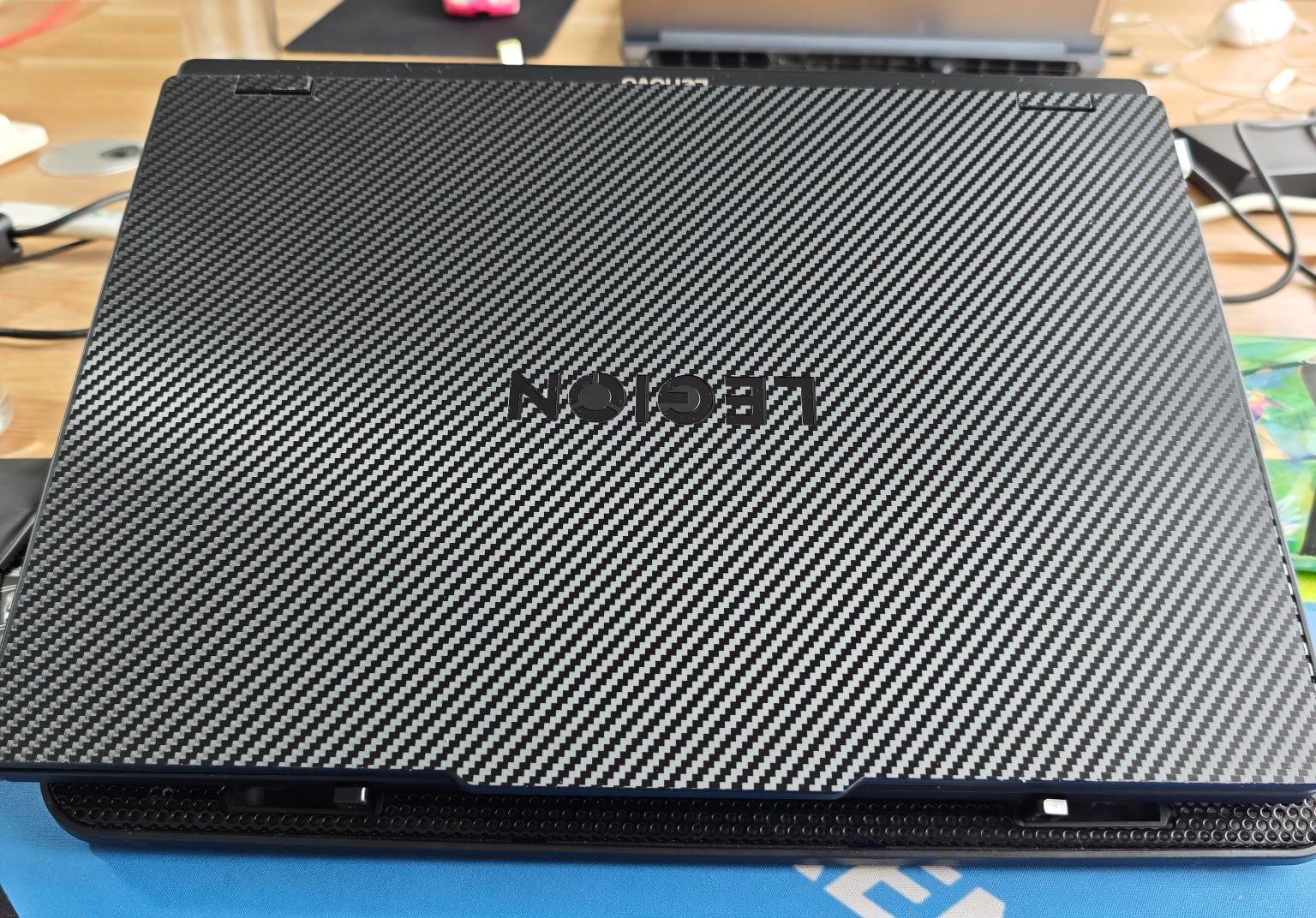
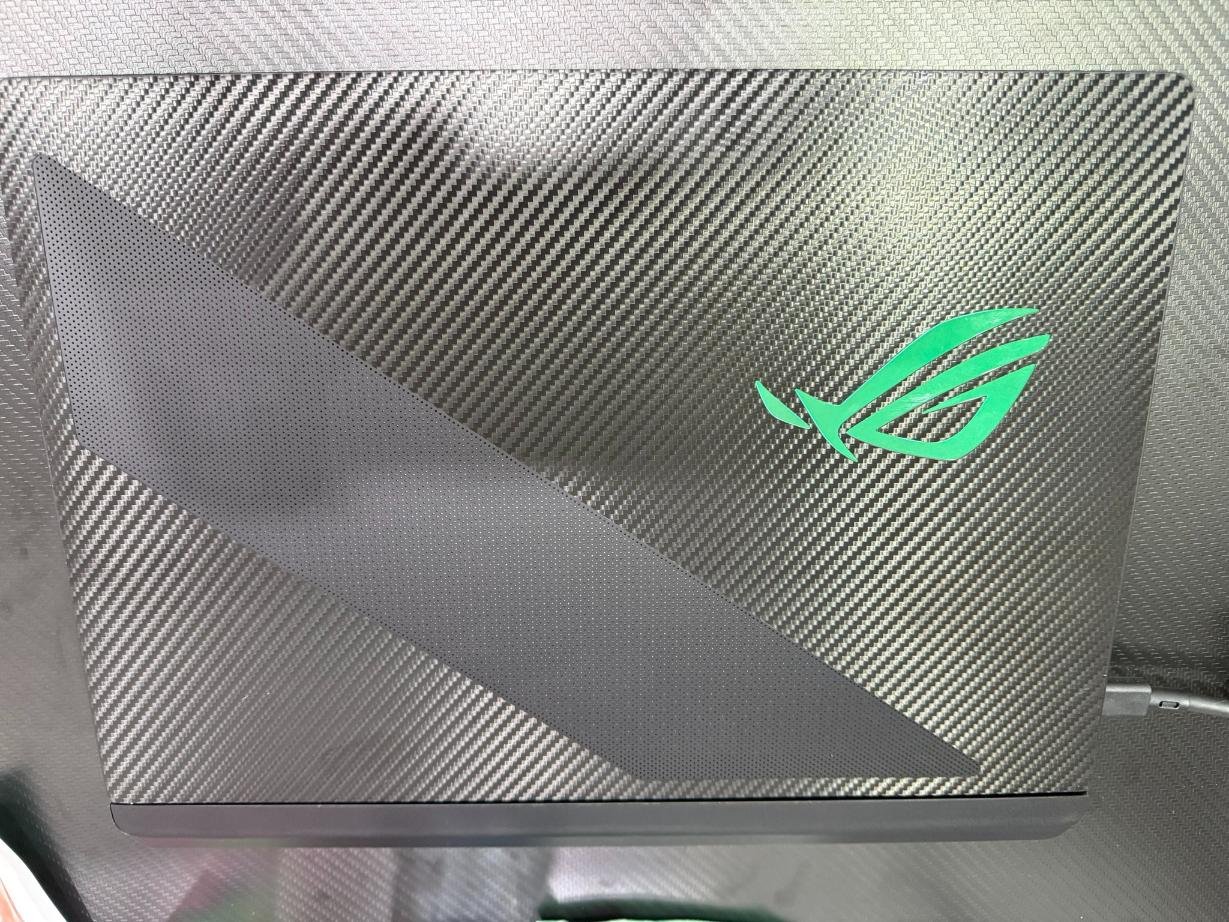
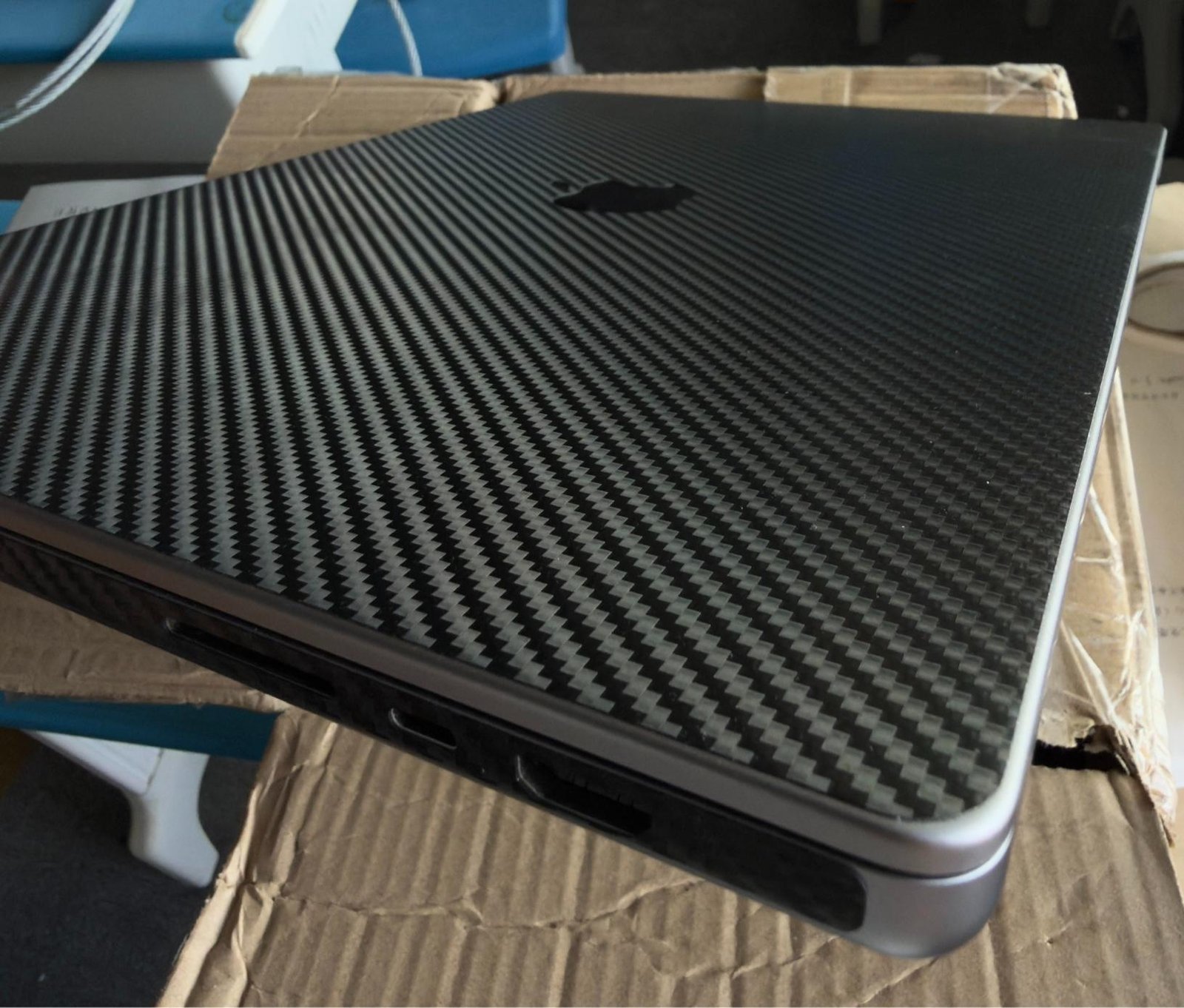
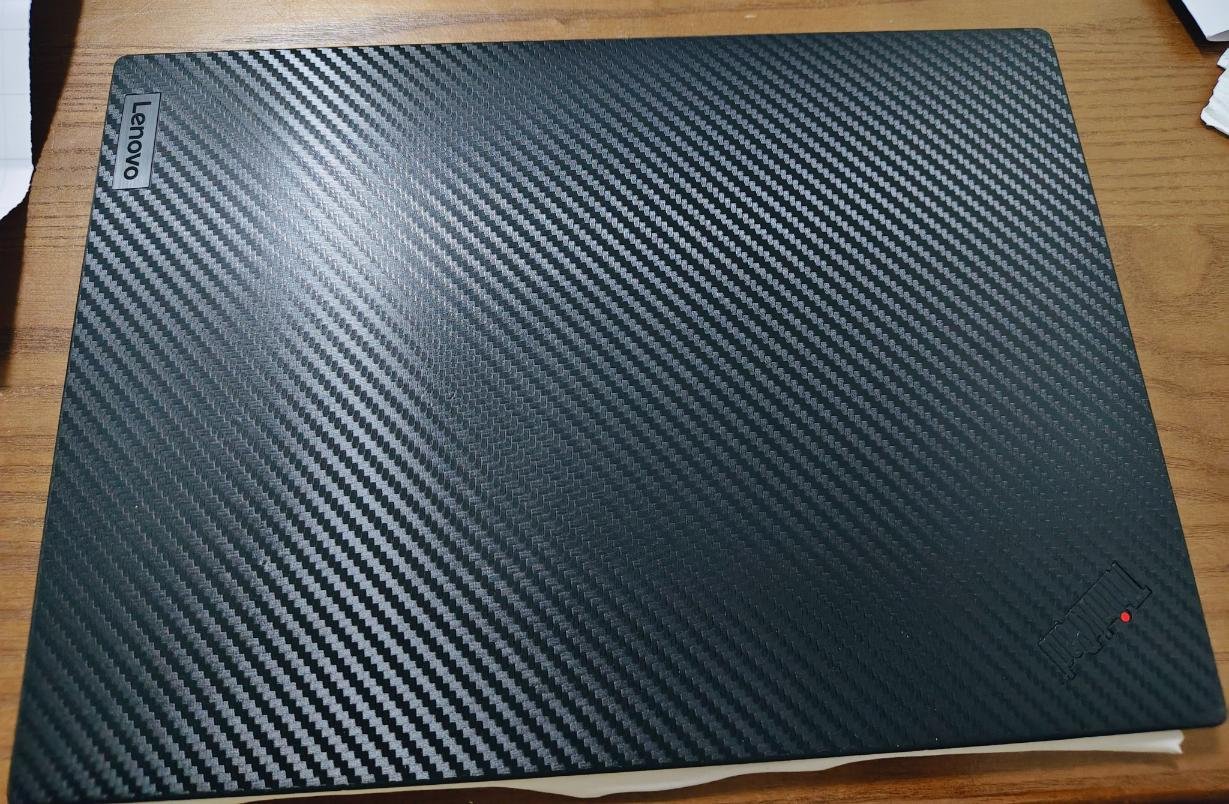
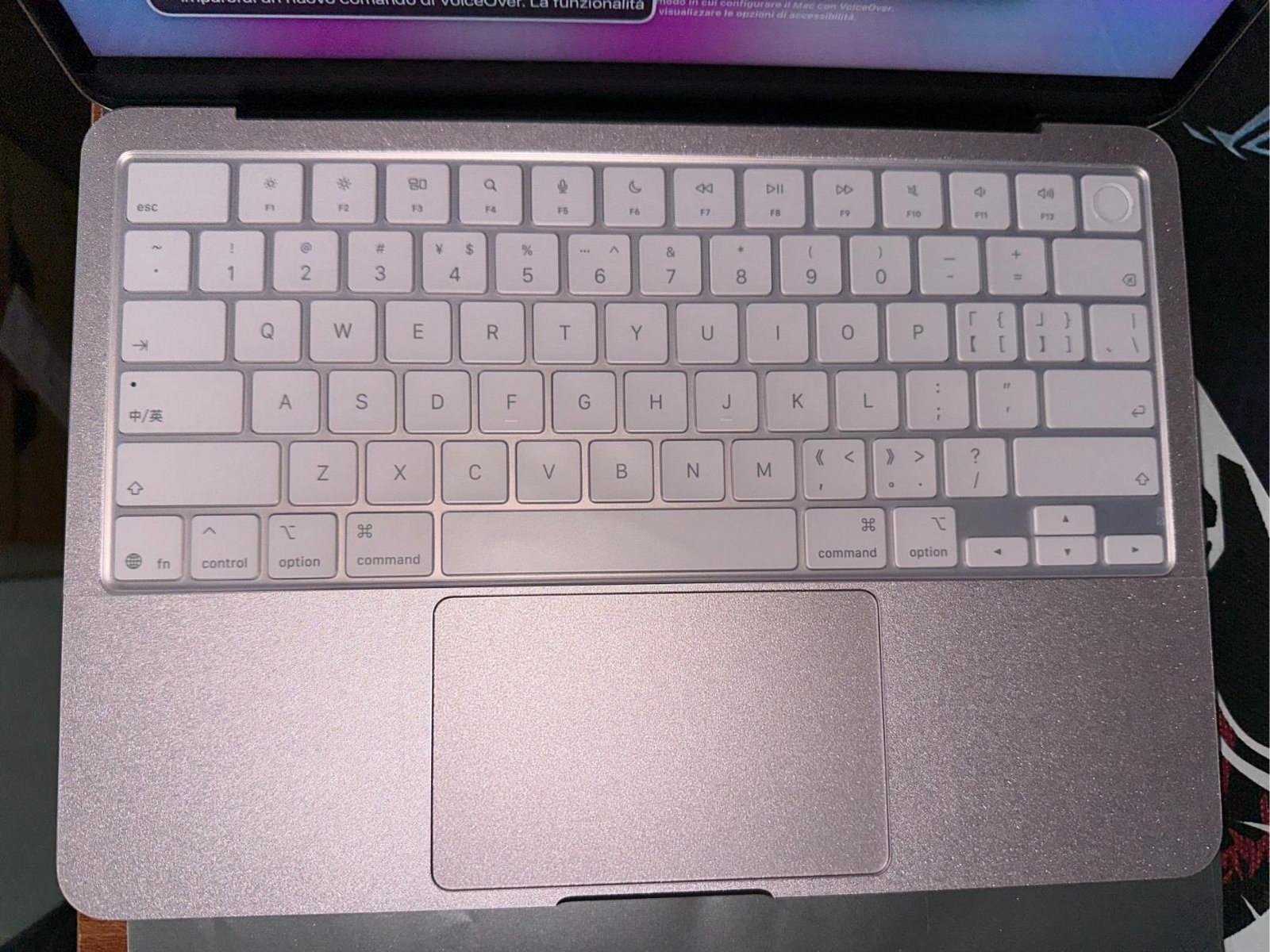
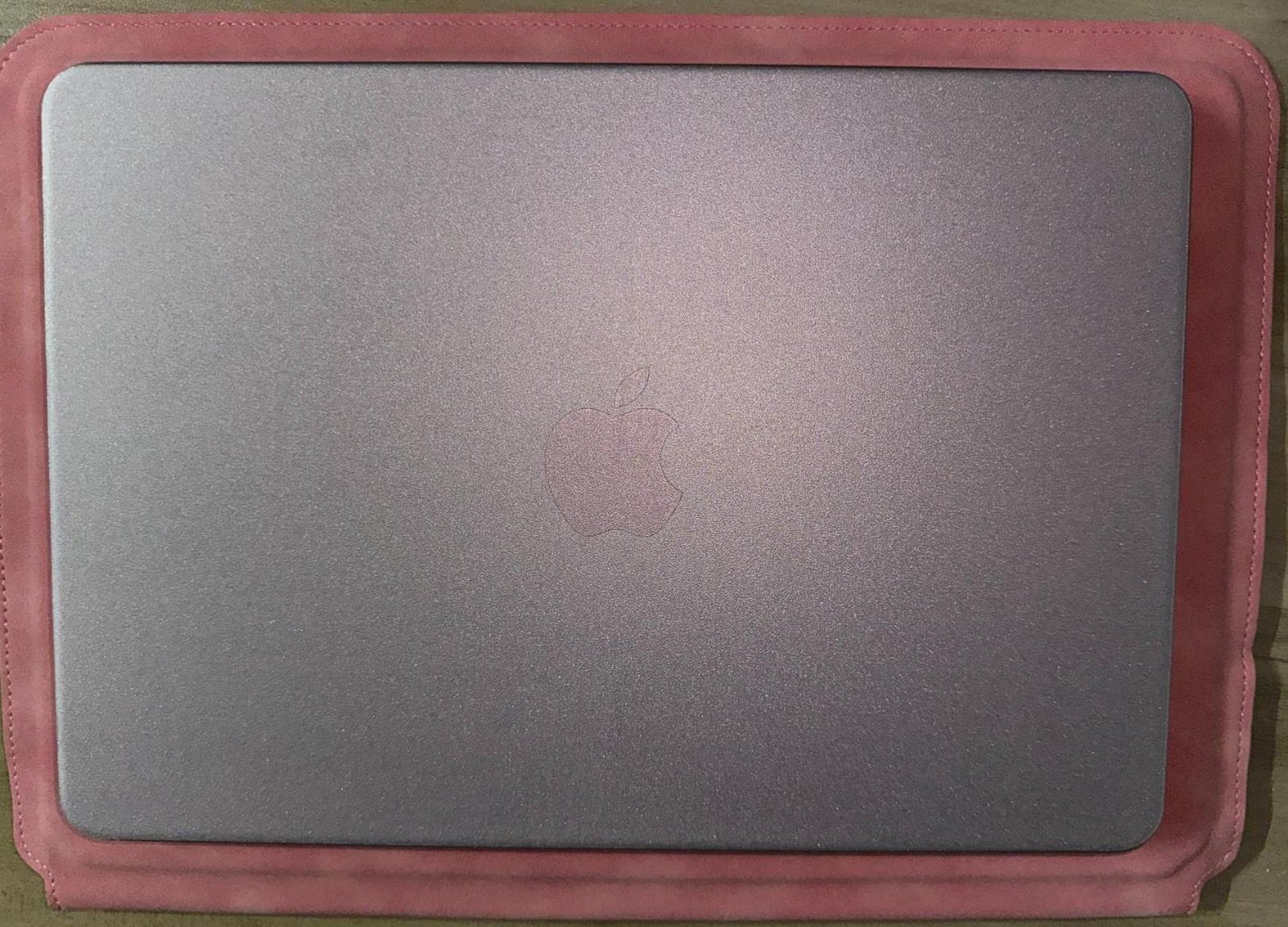
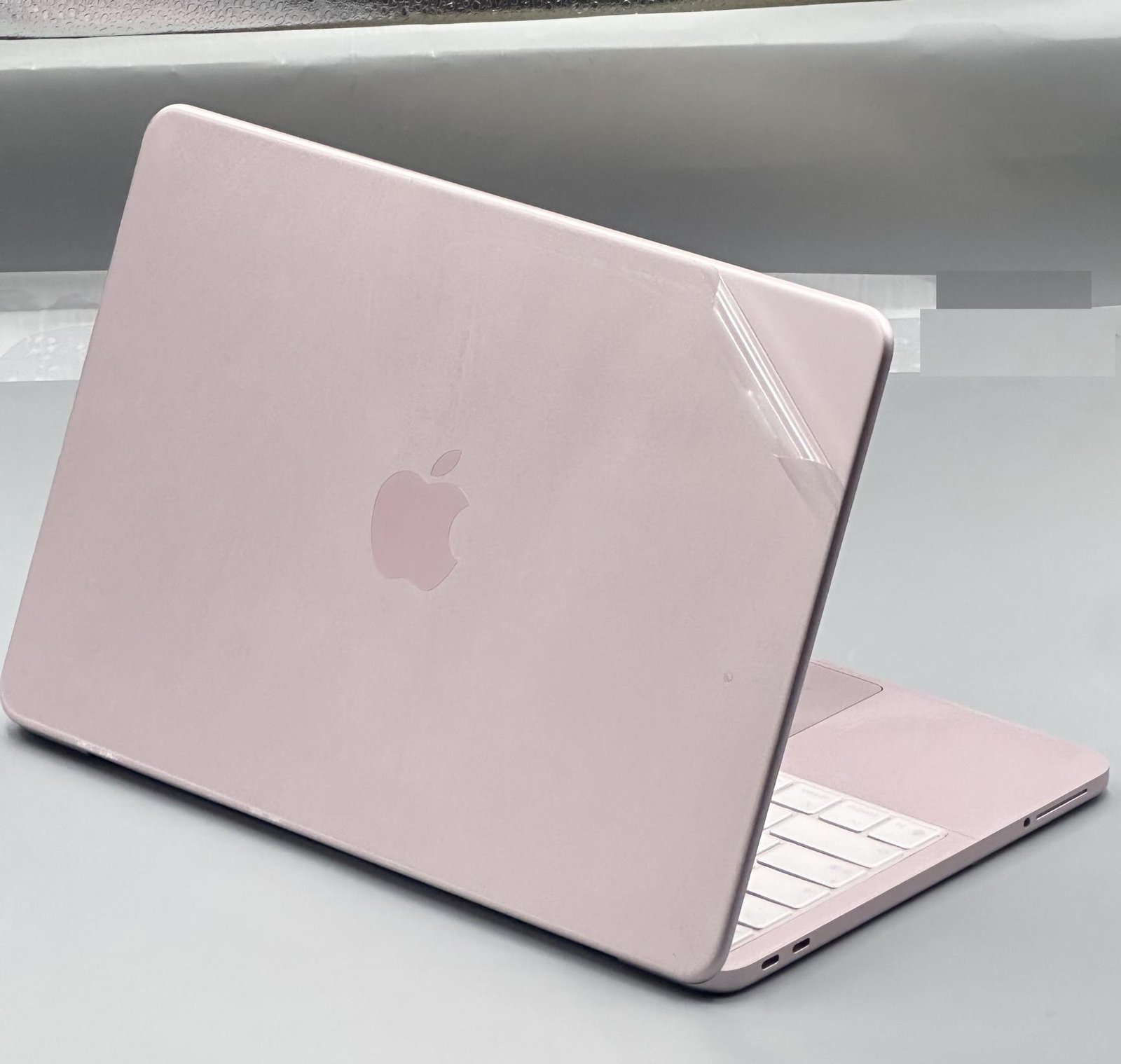
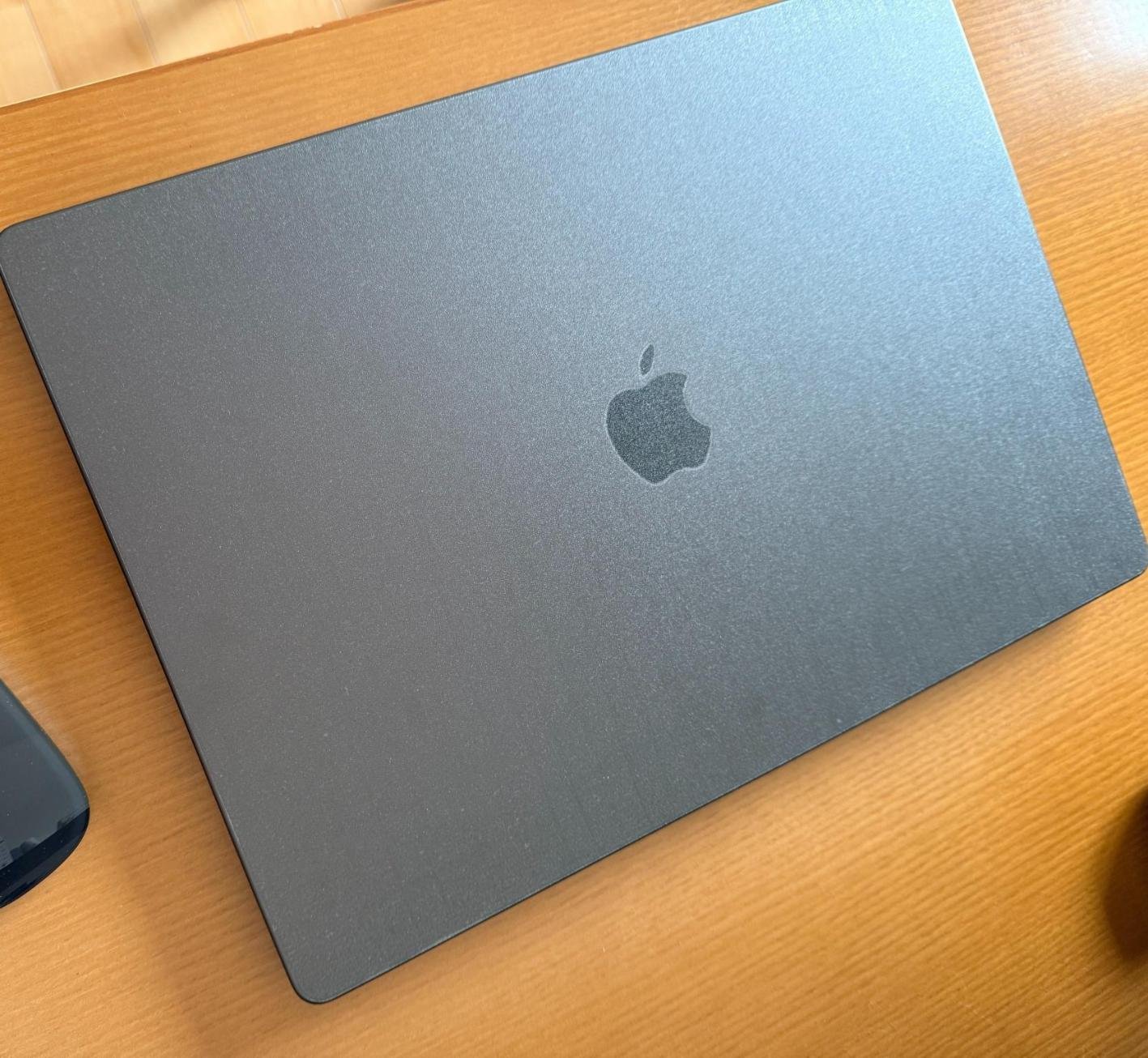
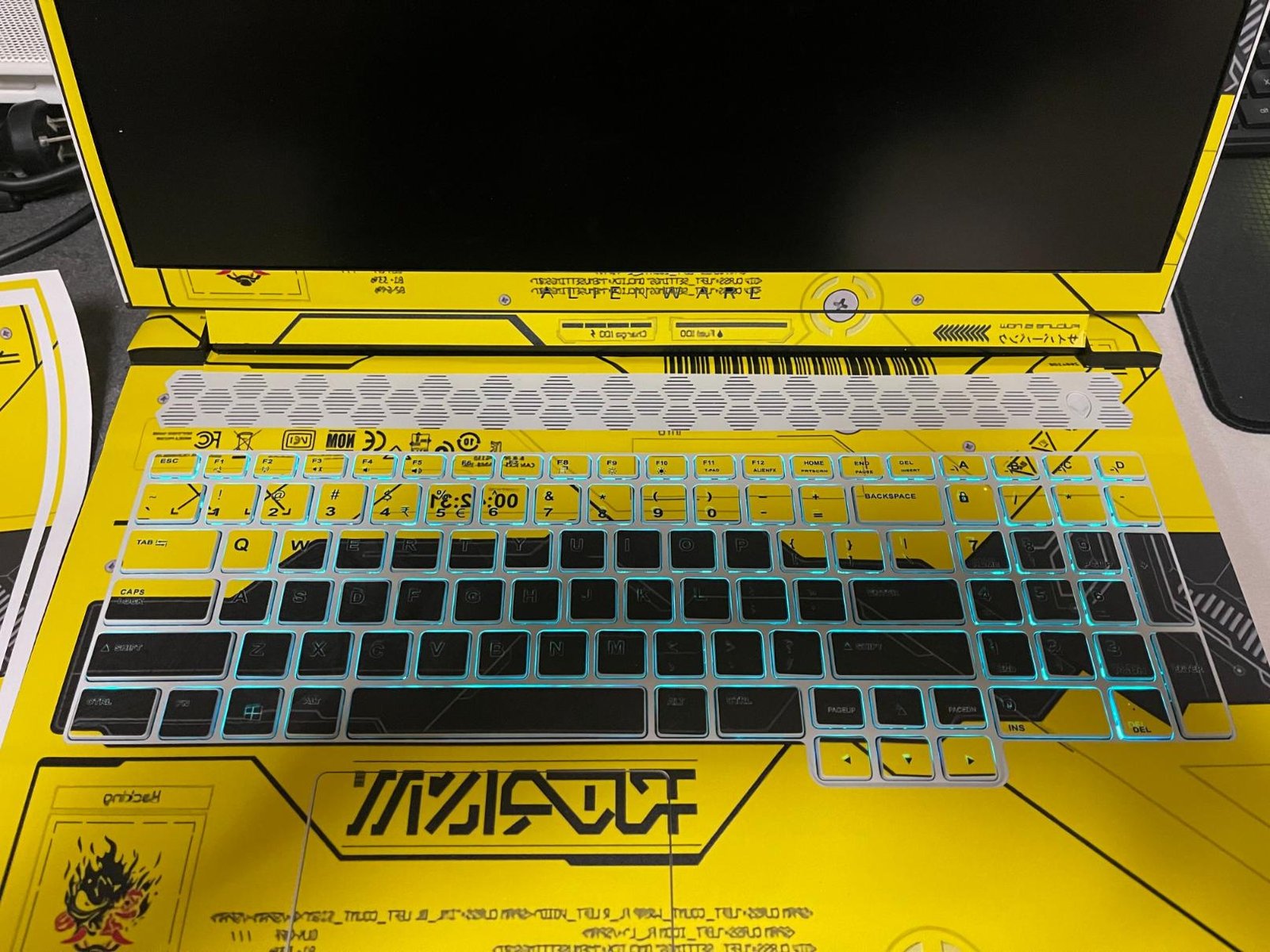
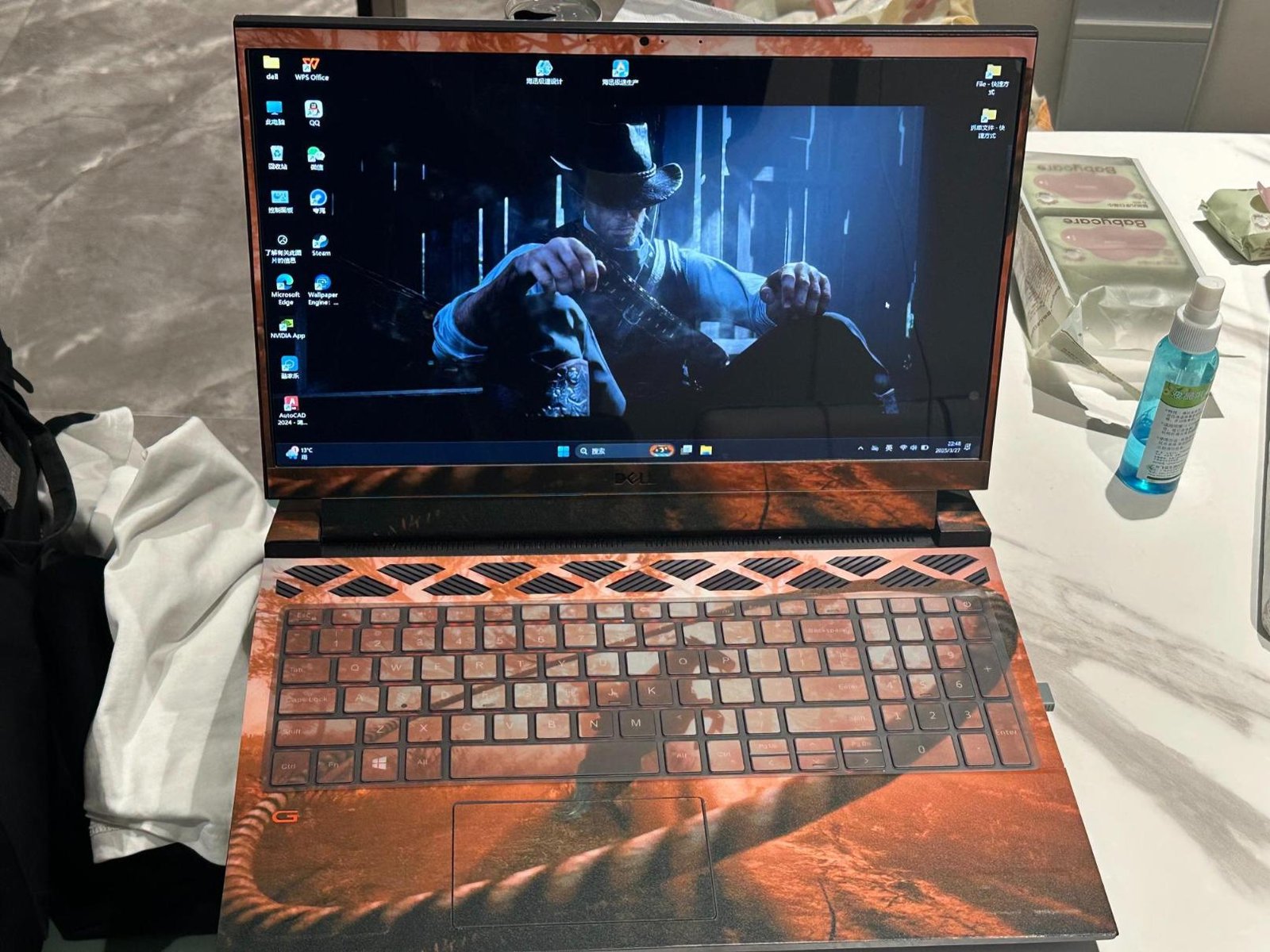
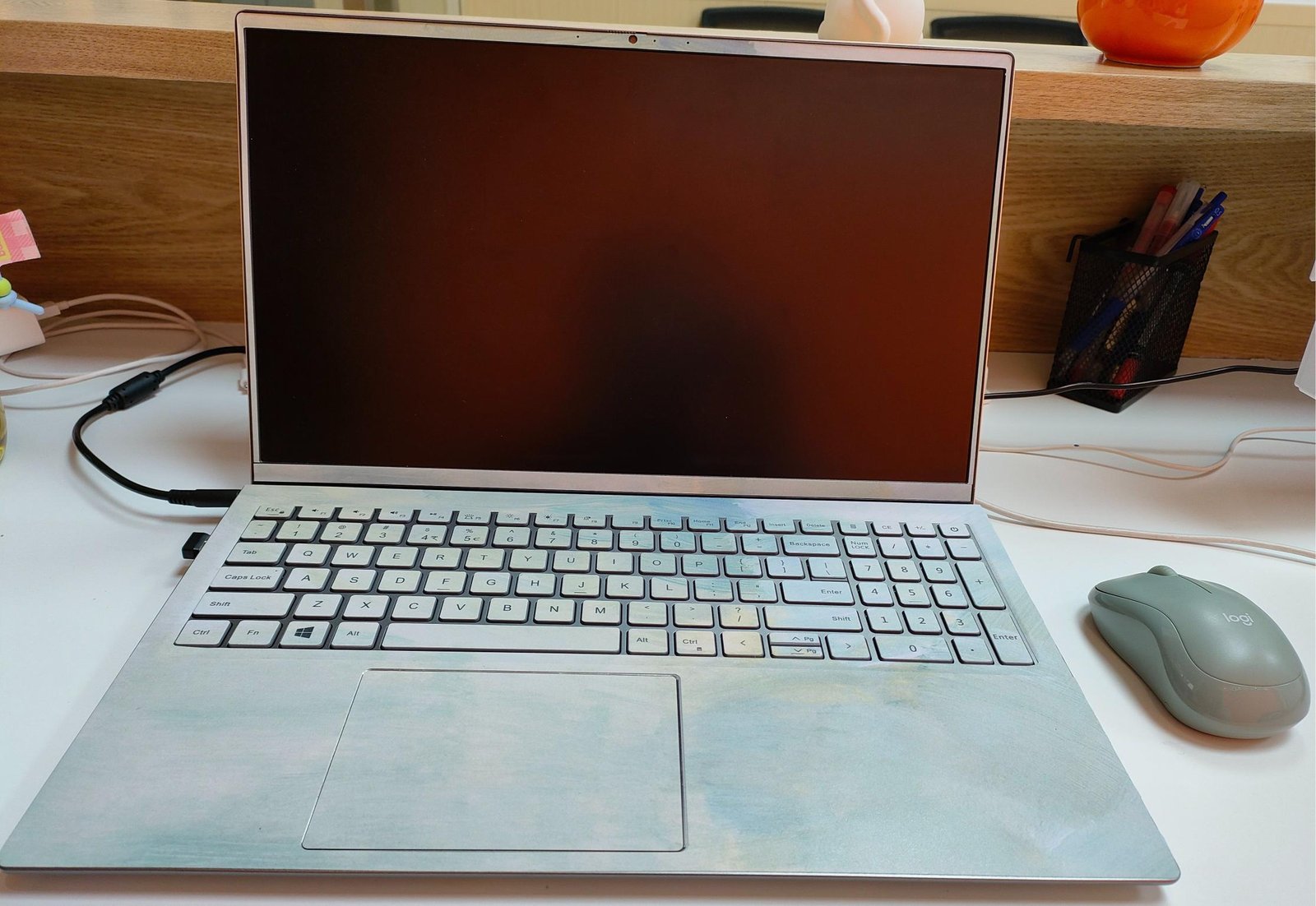
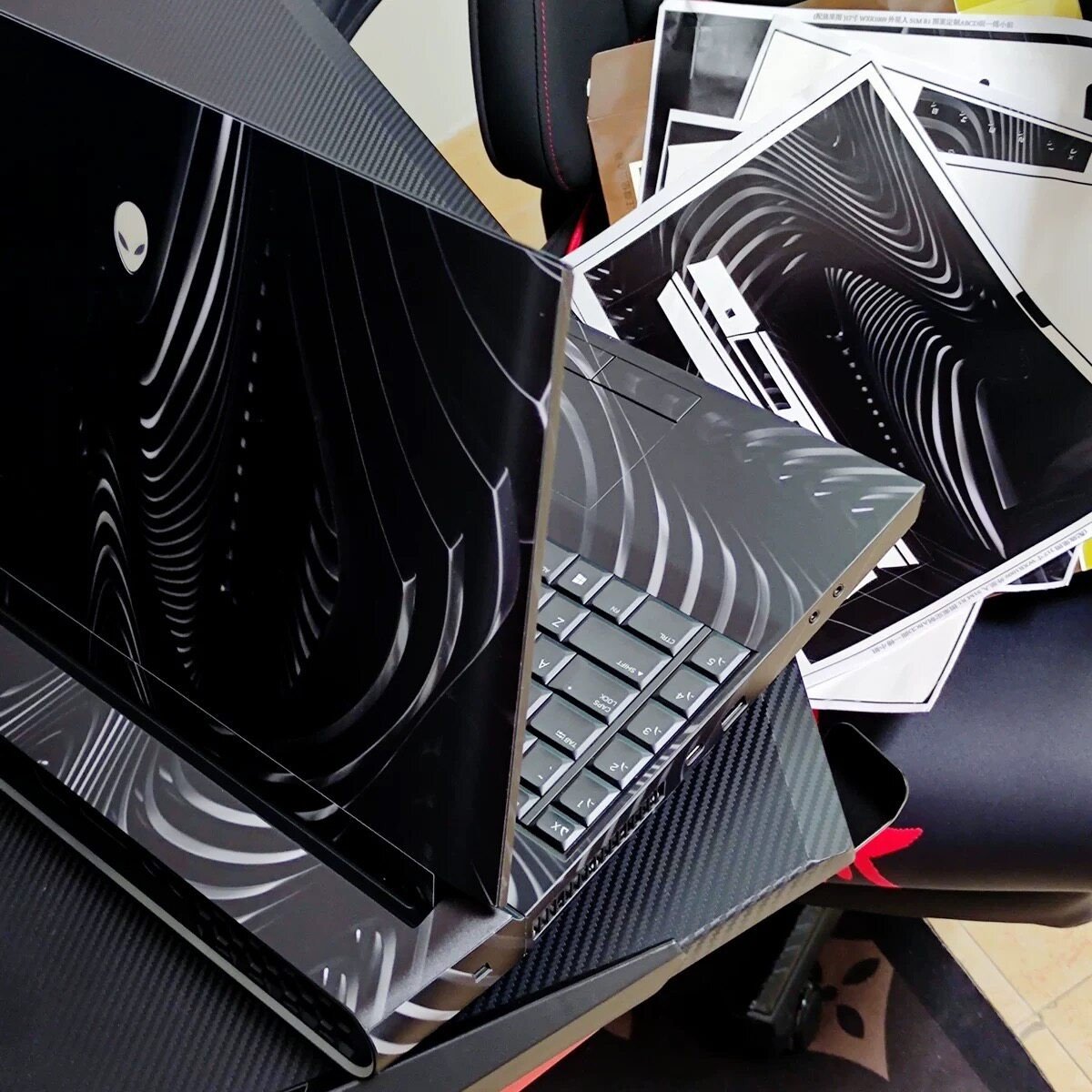
DISCOVER YOUR PERFECT
FIT BY BRAND
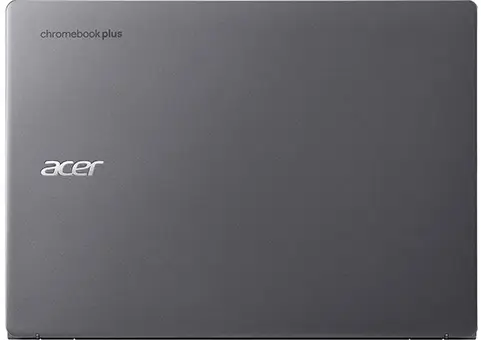
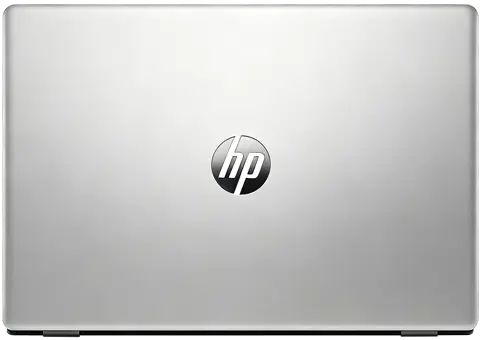
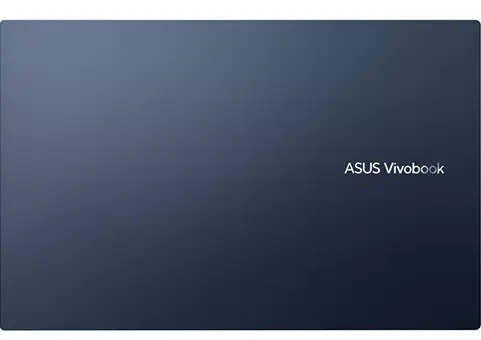
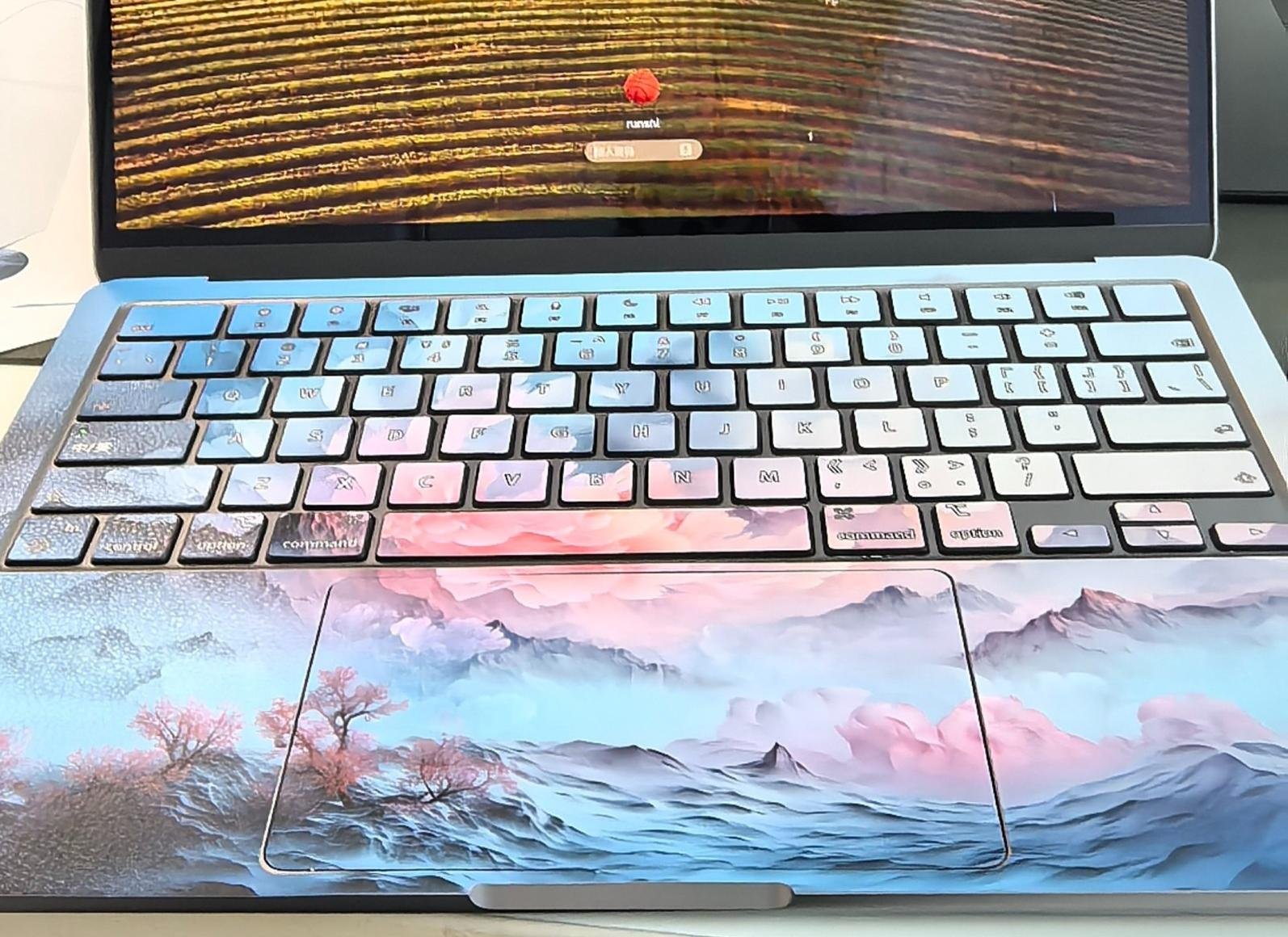
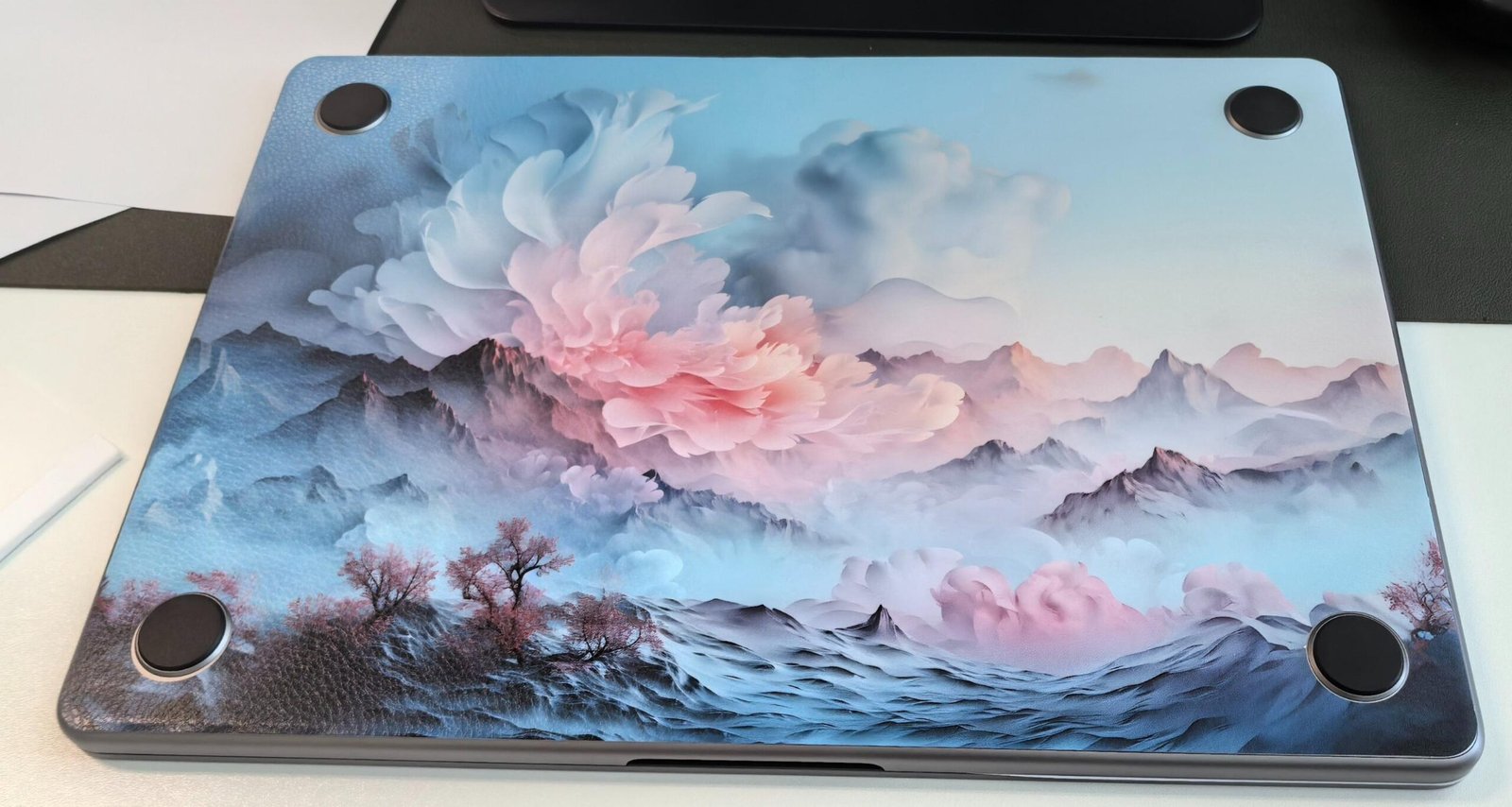
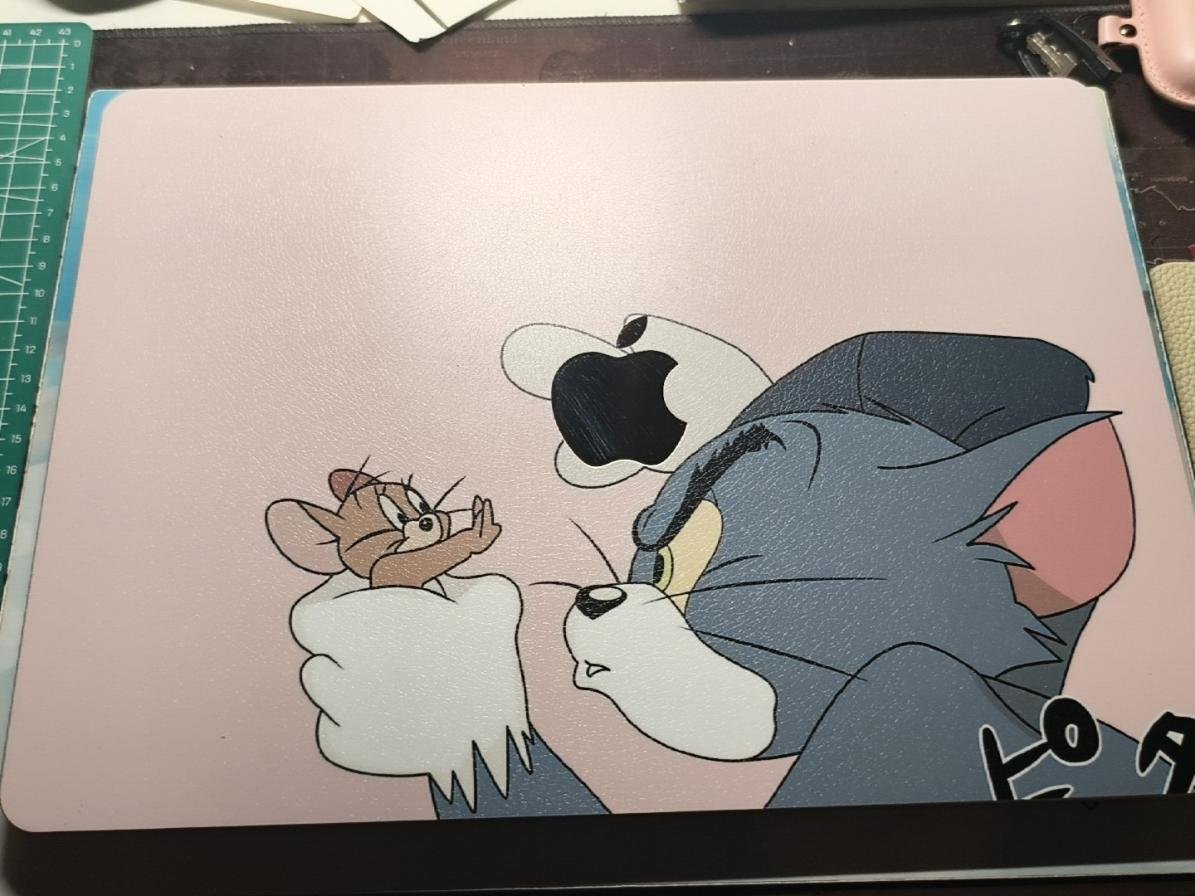
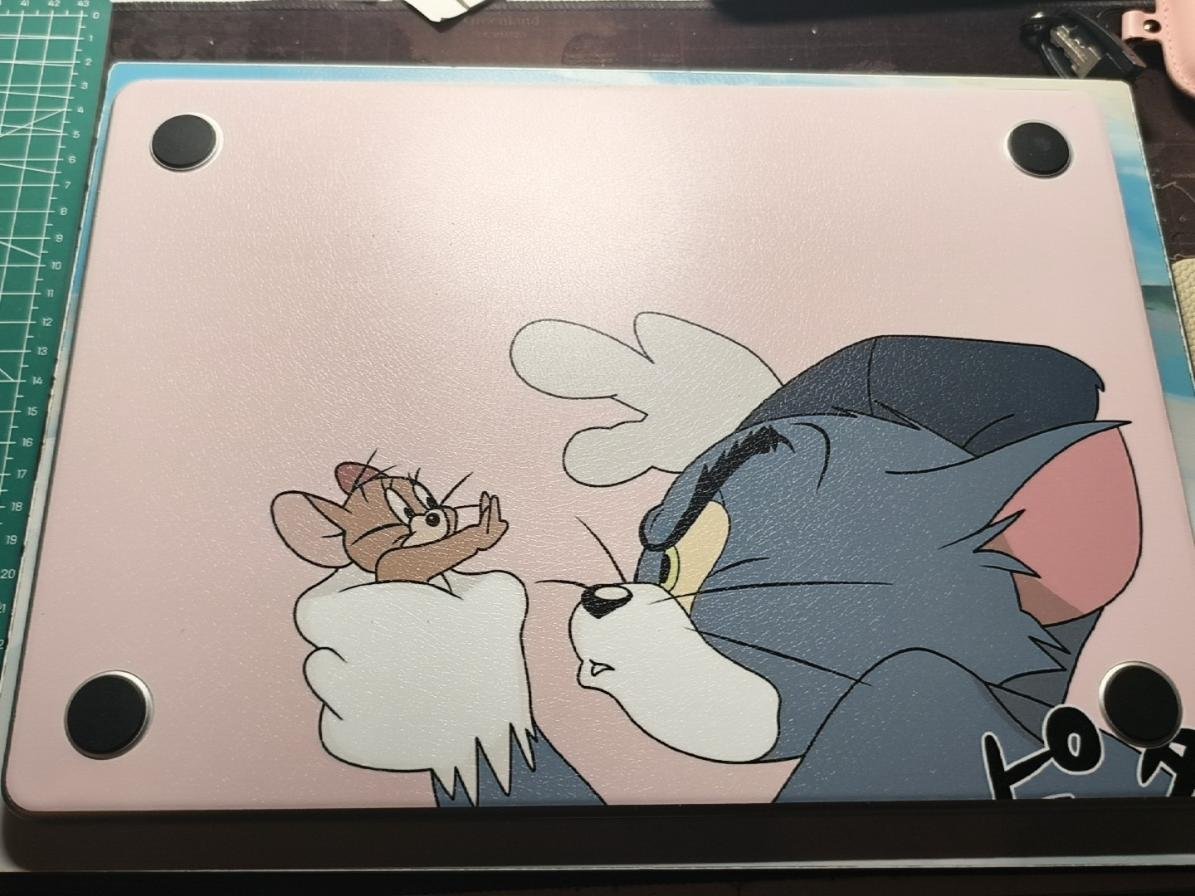
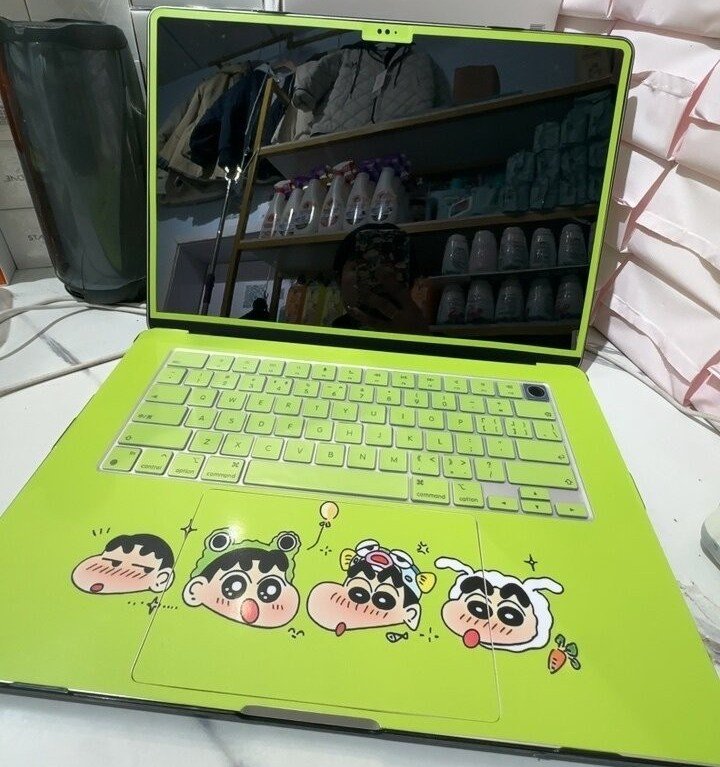
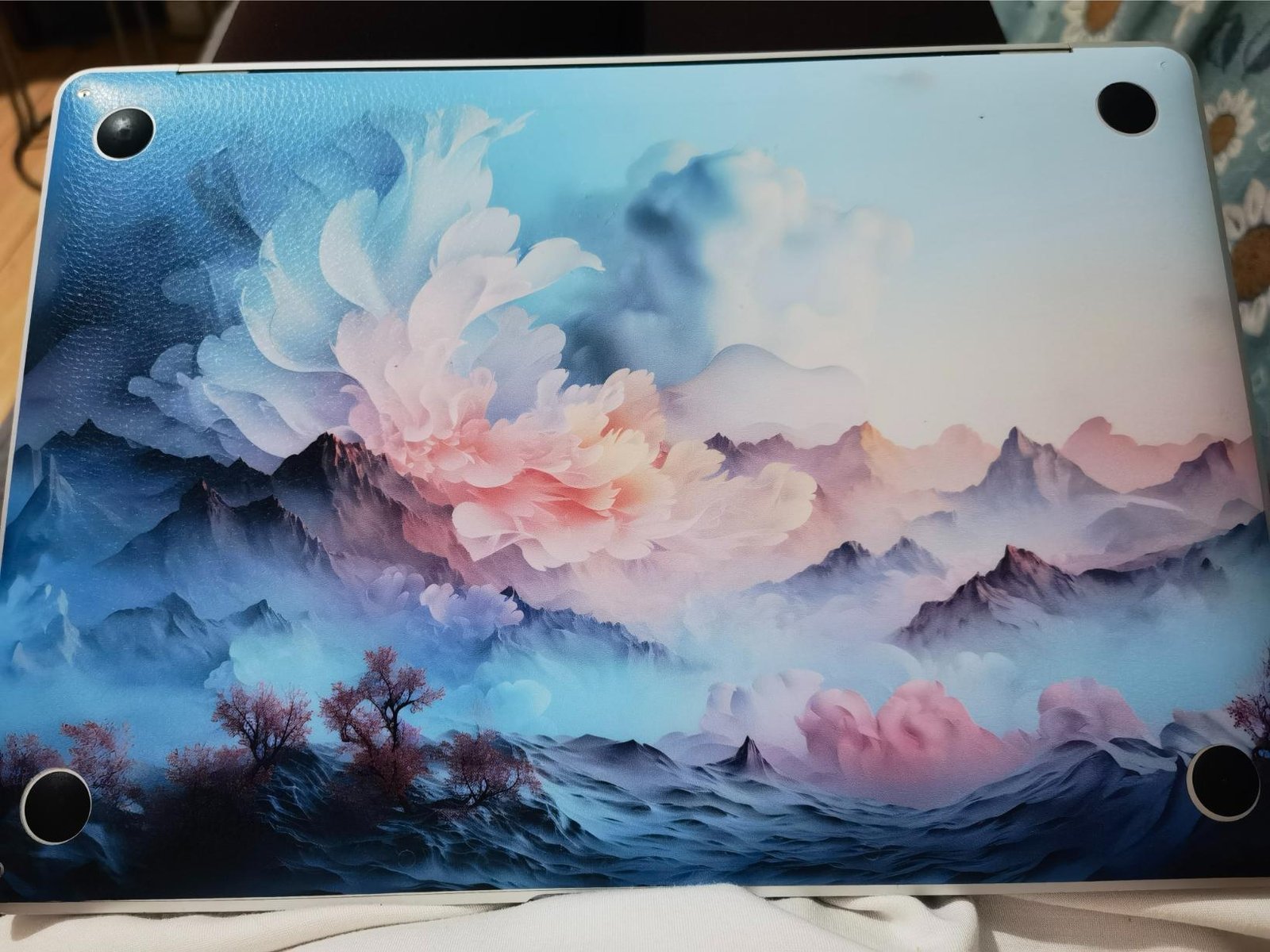
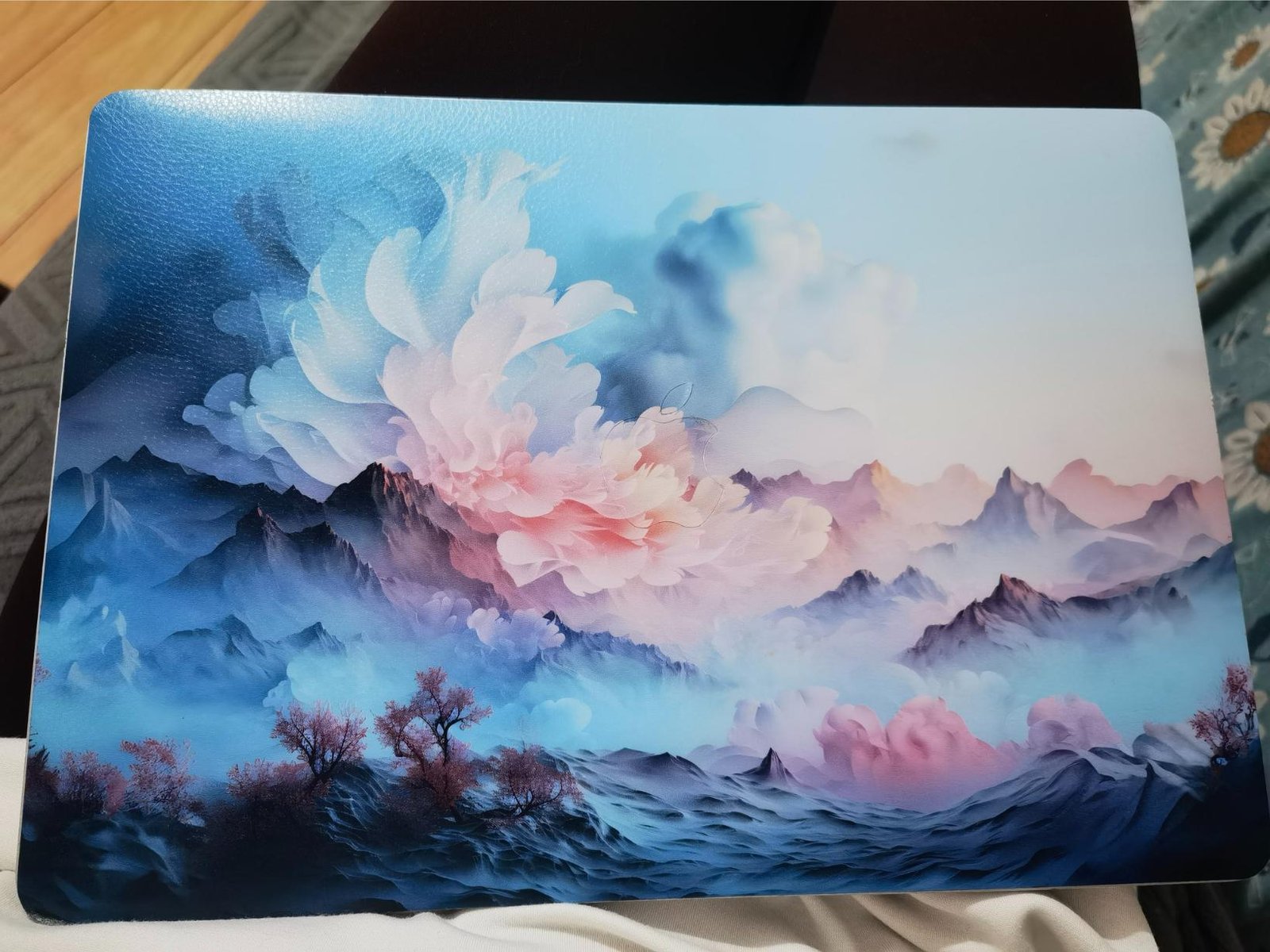
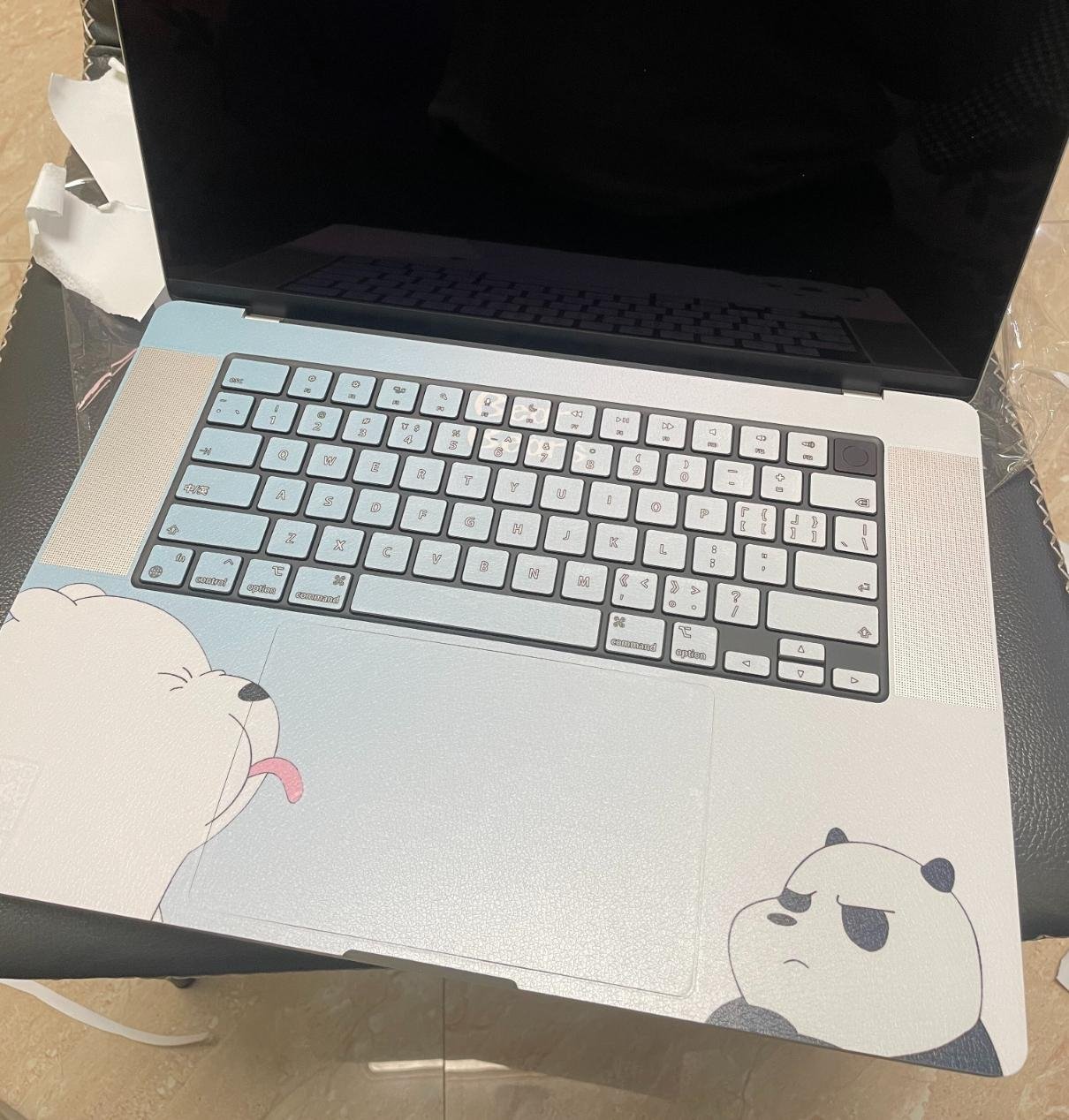
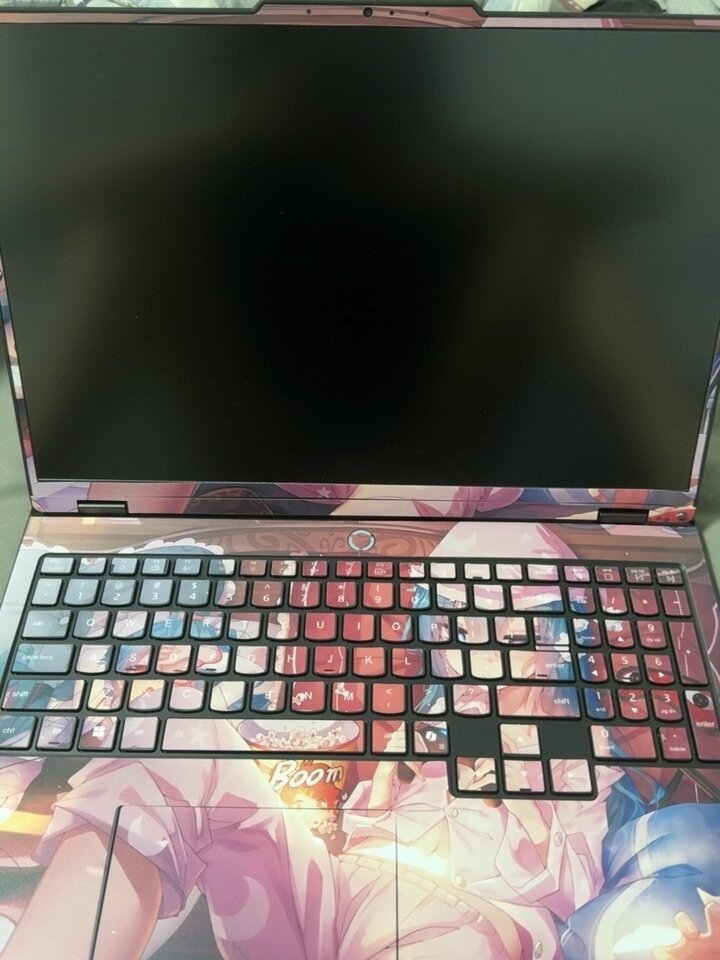
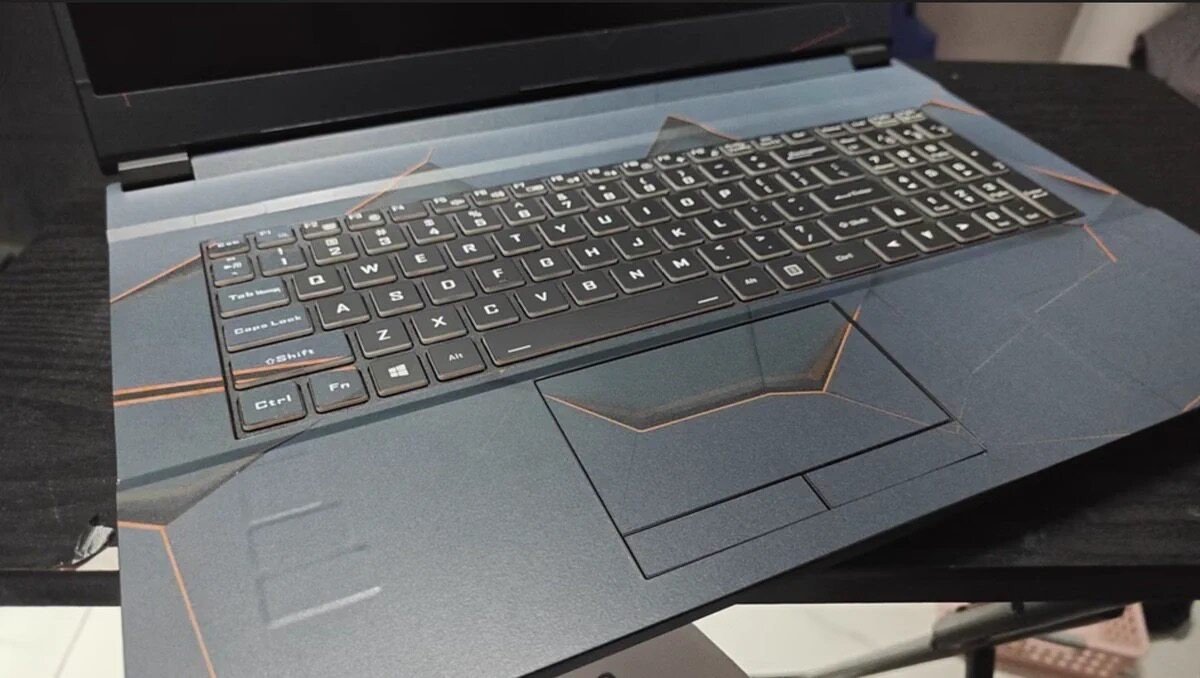
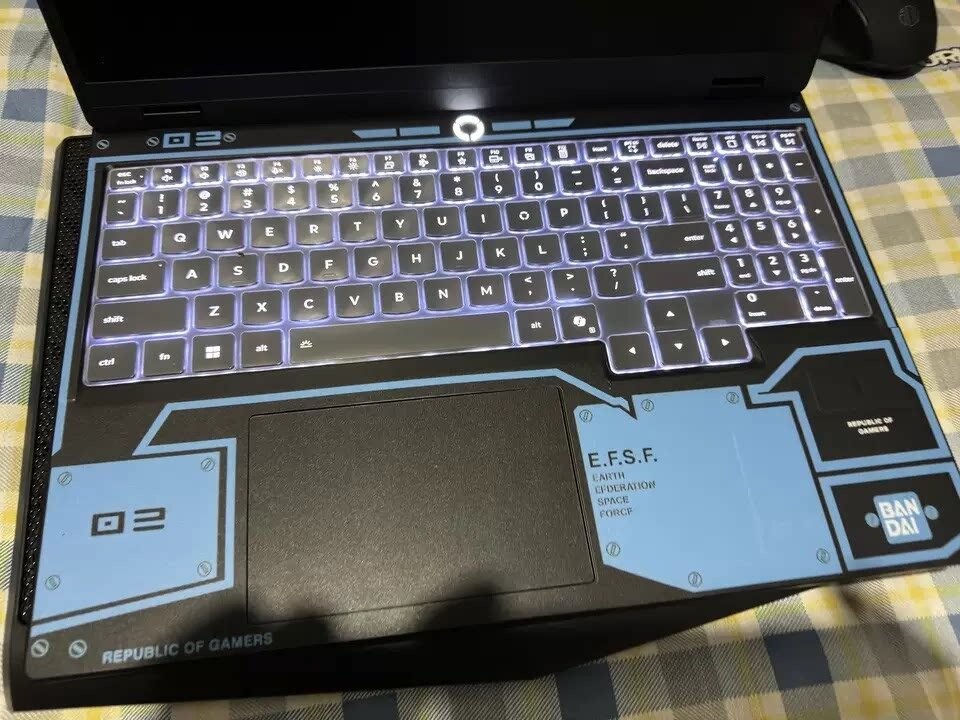
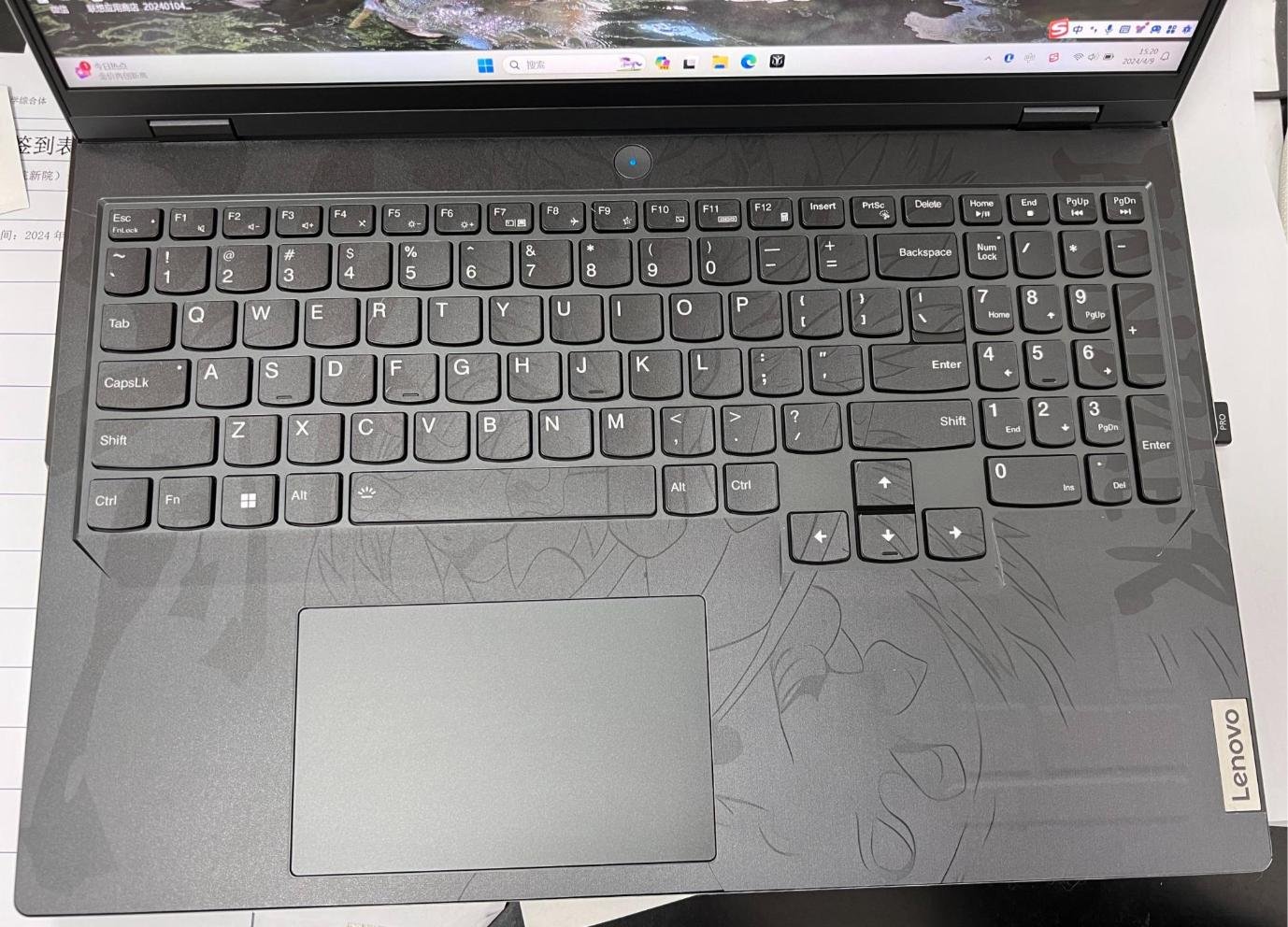
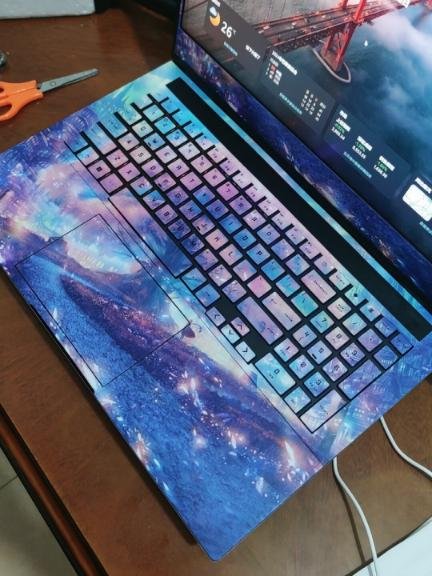
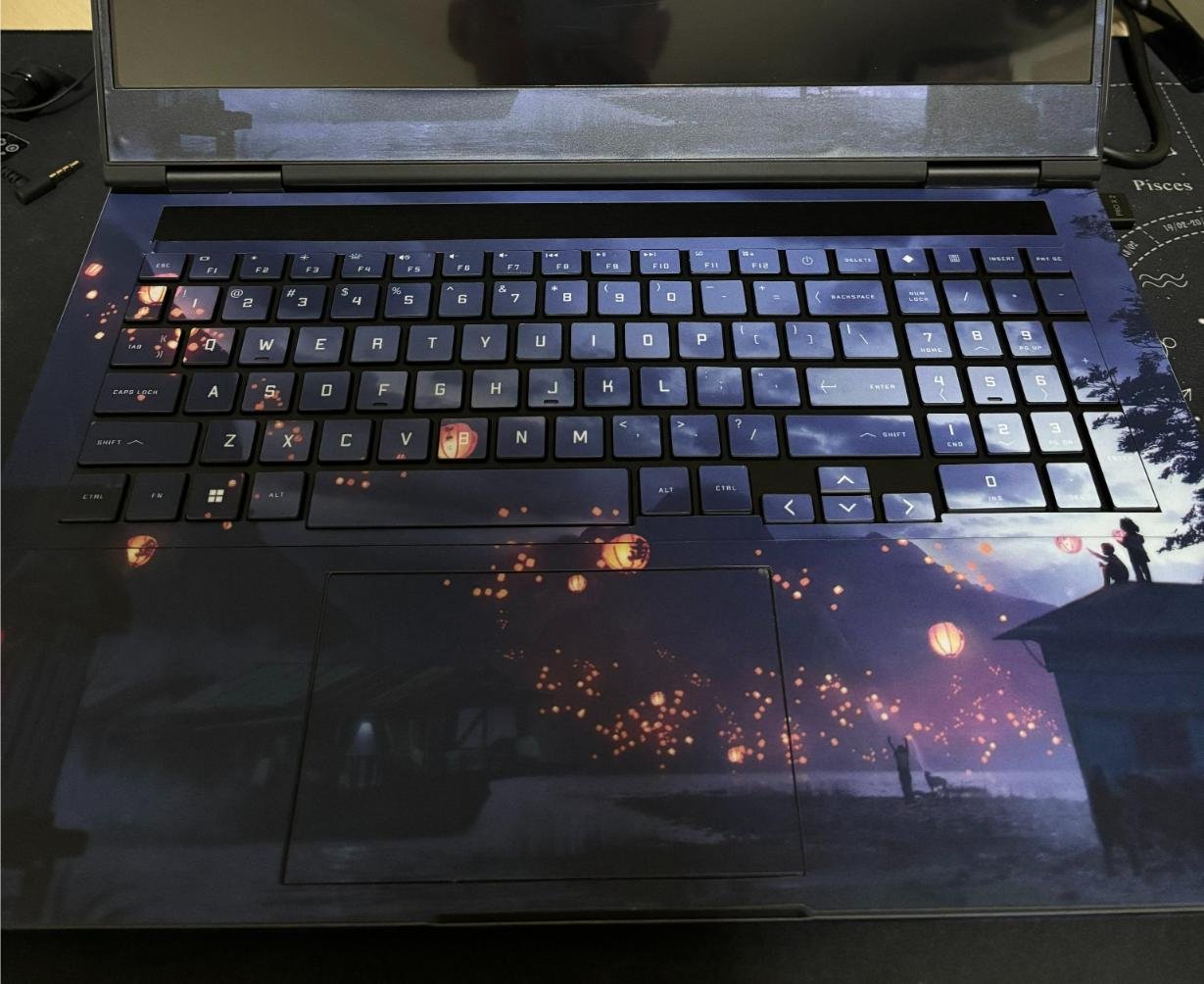
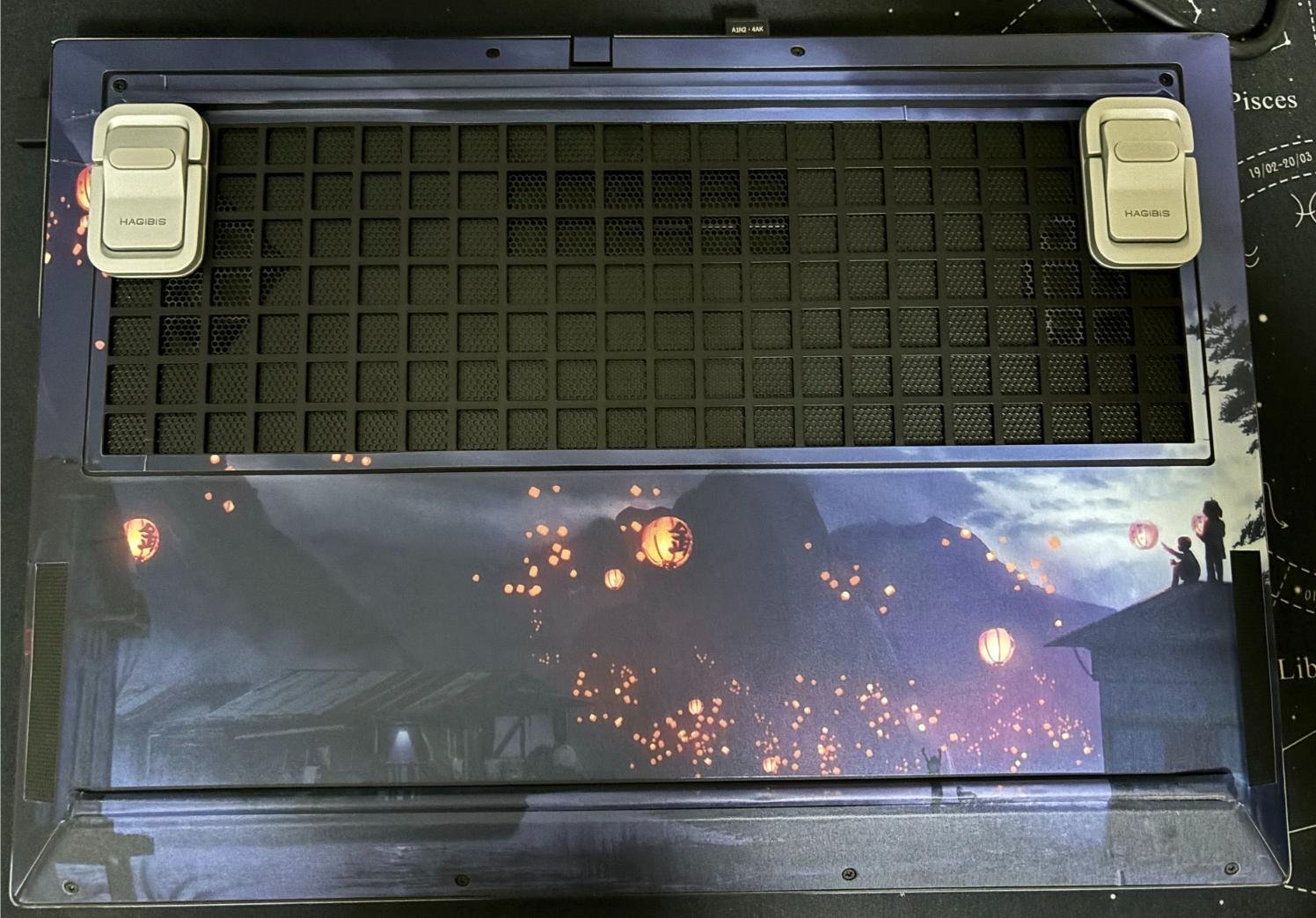
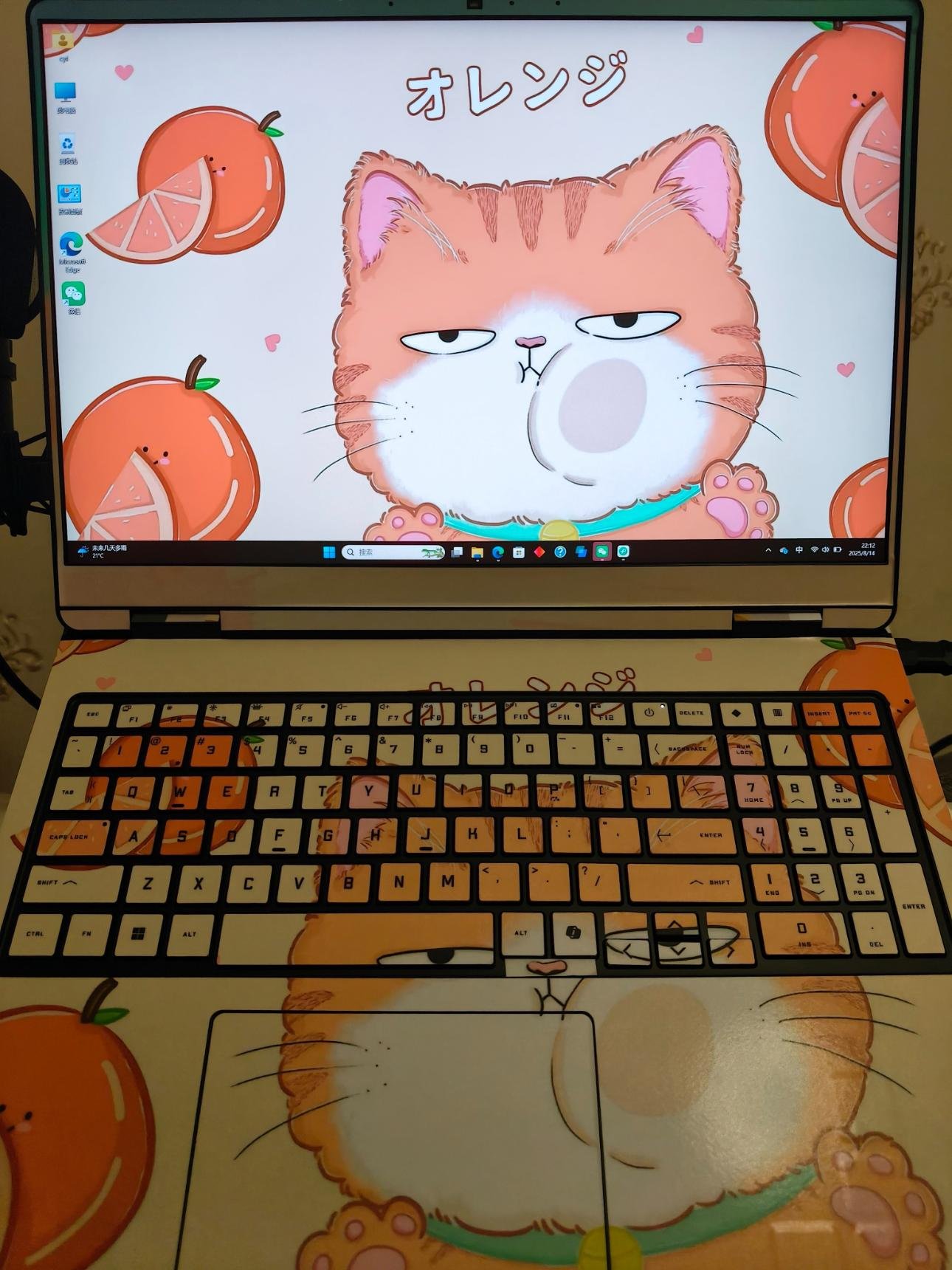
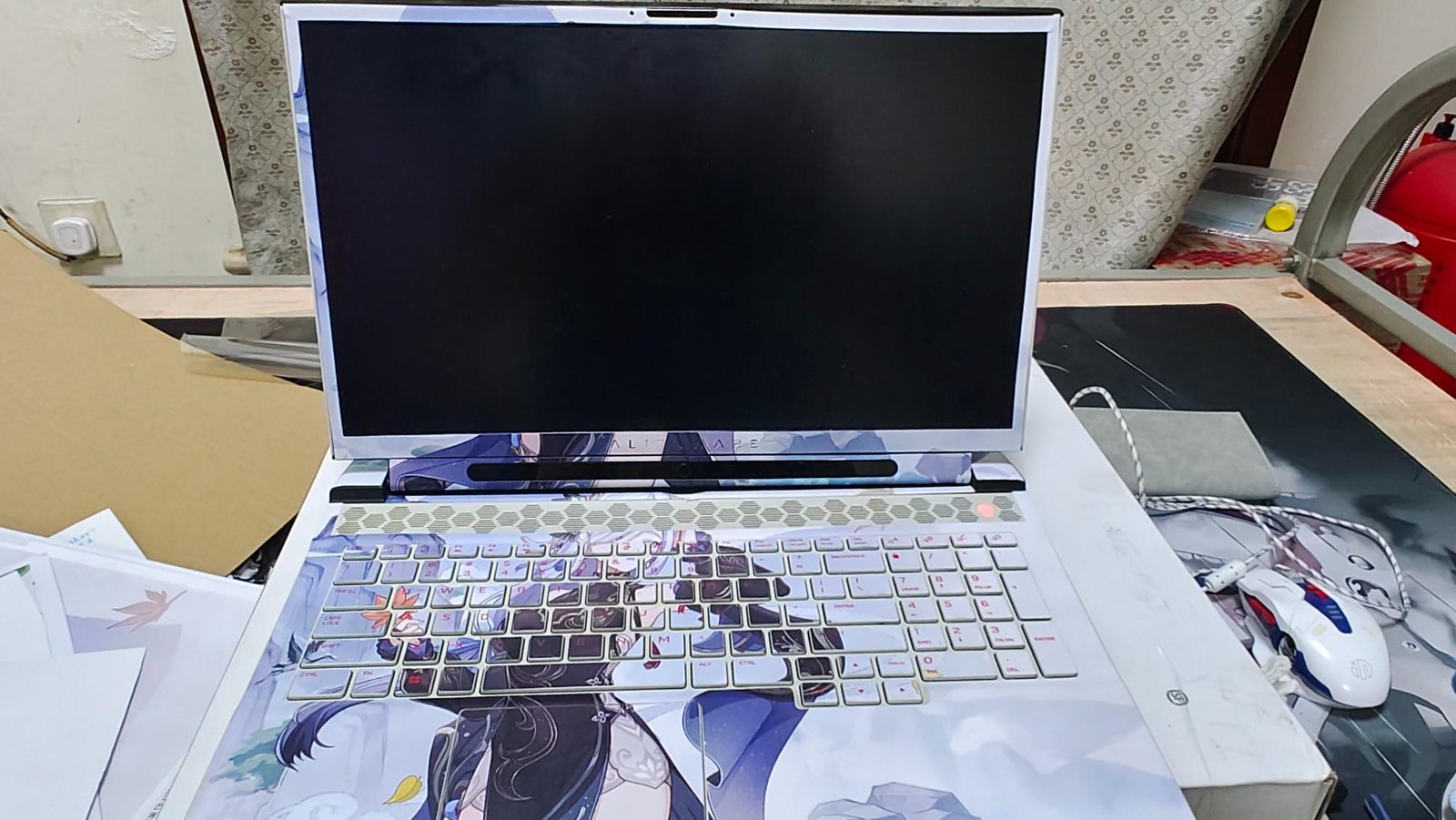
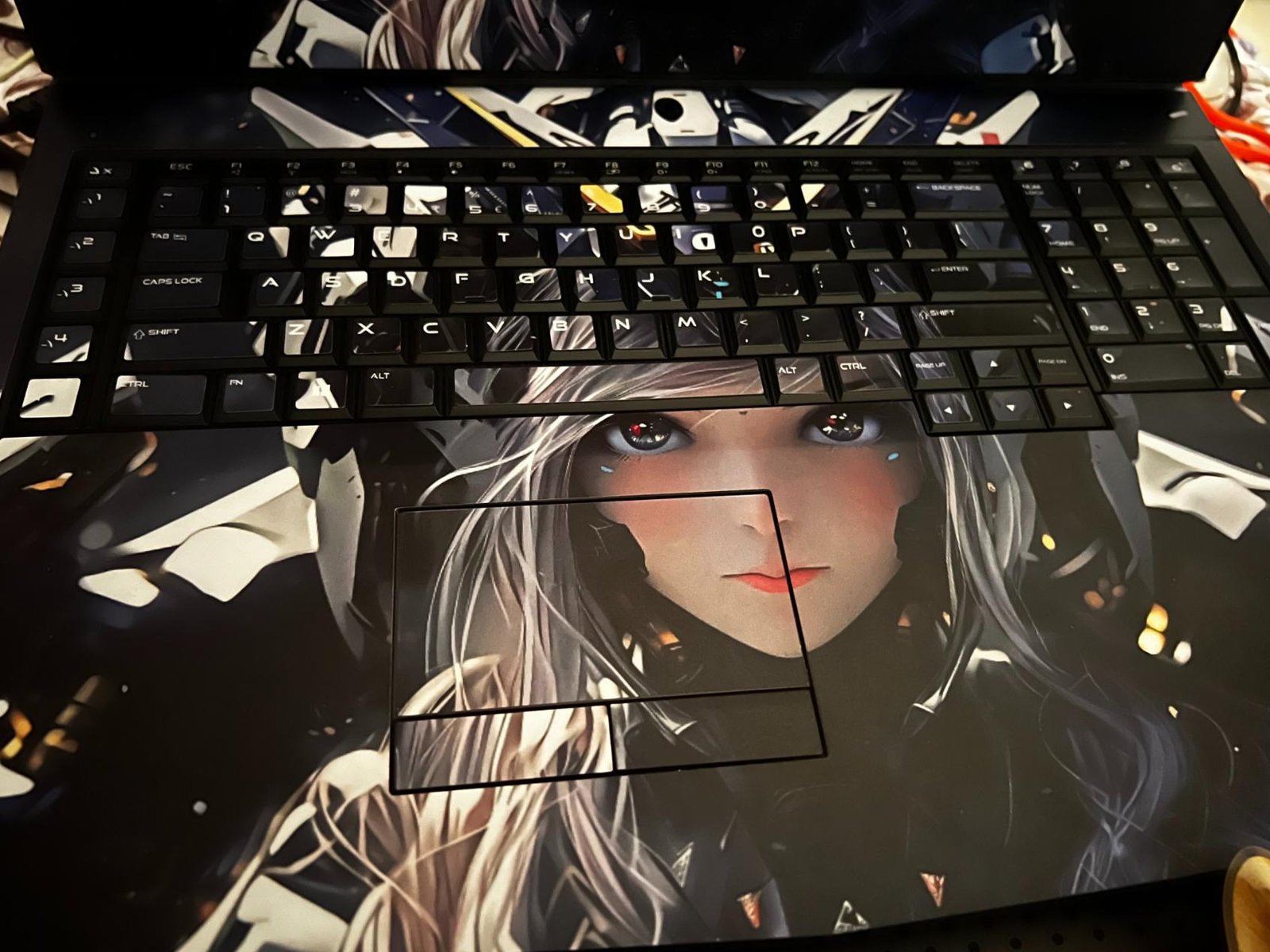
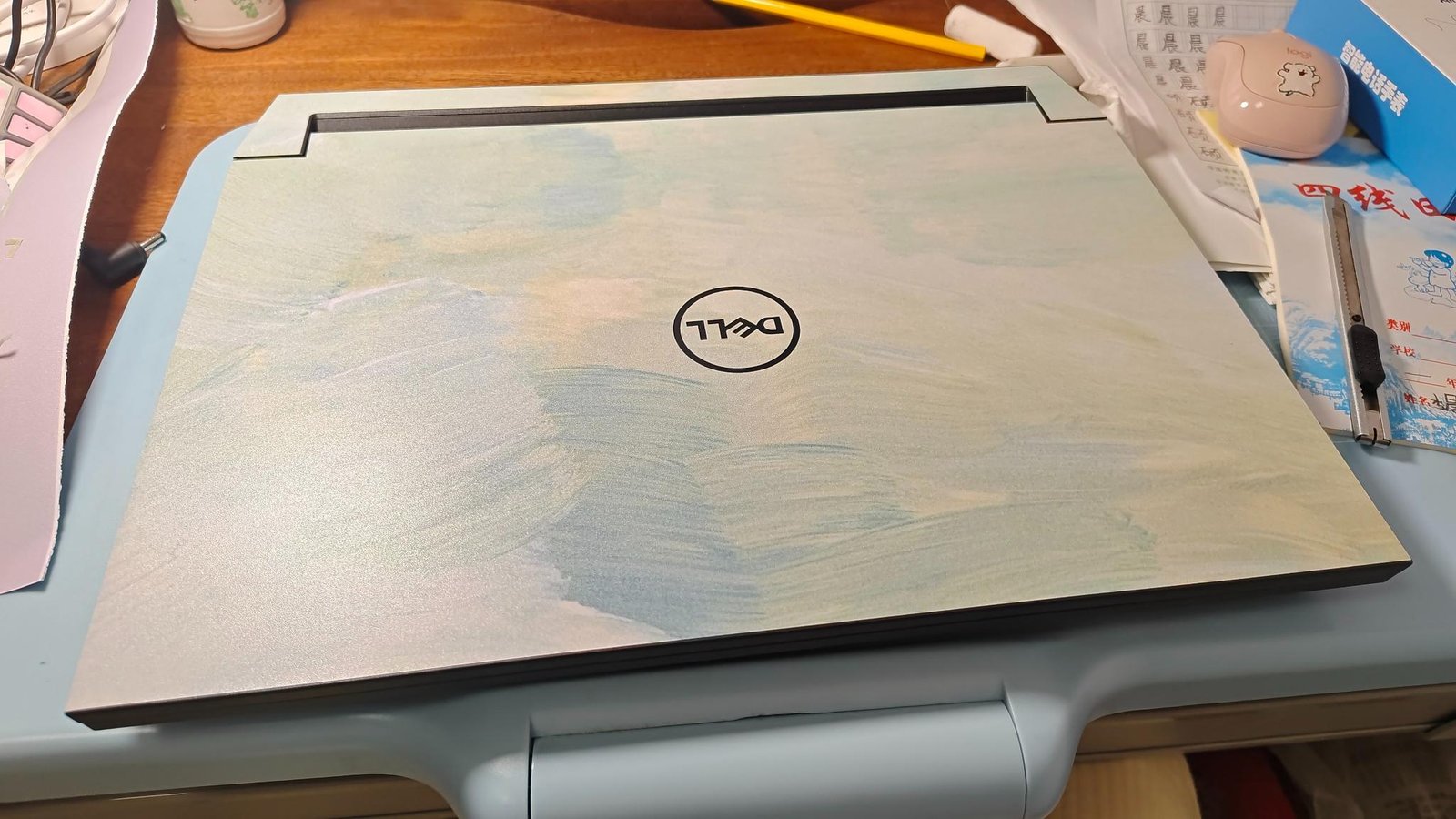
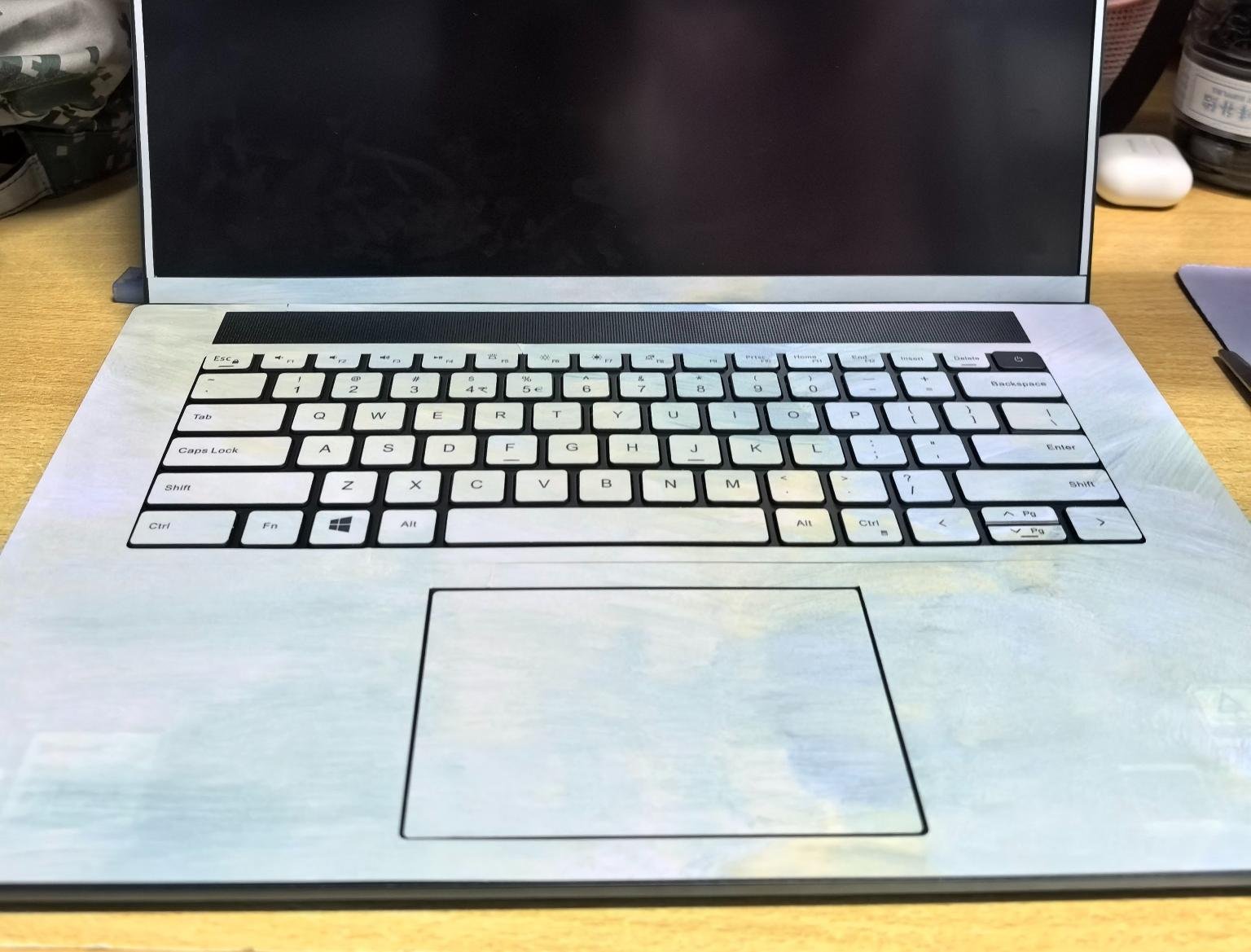
Q: What's the Difference Between Printed Laptop Skins and Textured Laptop Skins?
Q: How to Choose the Correct Laptop Skin for My Laptop Model?
Direct Order via Title Verification
For the vast majority of models, we have clearly marked the Model Name, Release Year, Chipset, Screen Size, and Hardware Model Identifier in the product title. Please carefully check that all the above details fully match your laptop. You may place your order directly once you confirm full compatibility.
Custom Order Fit Check
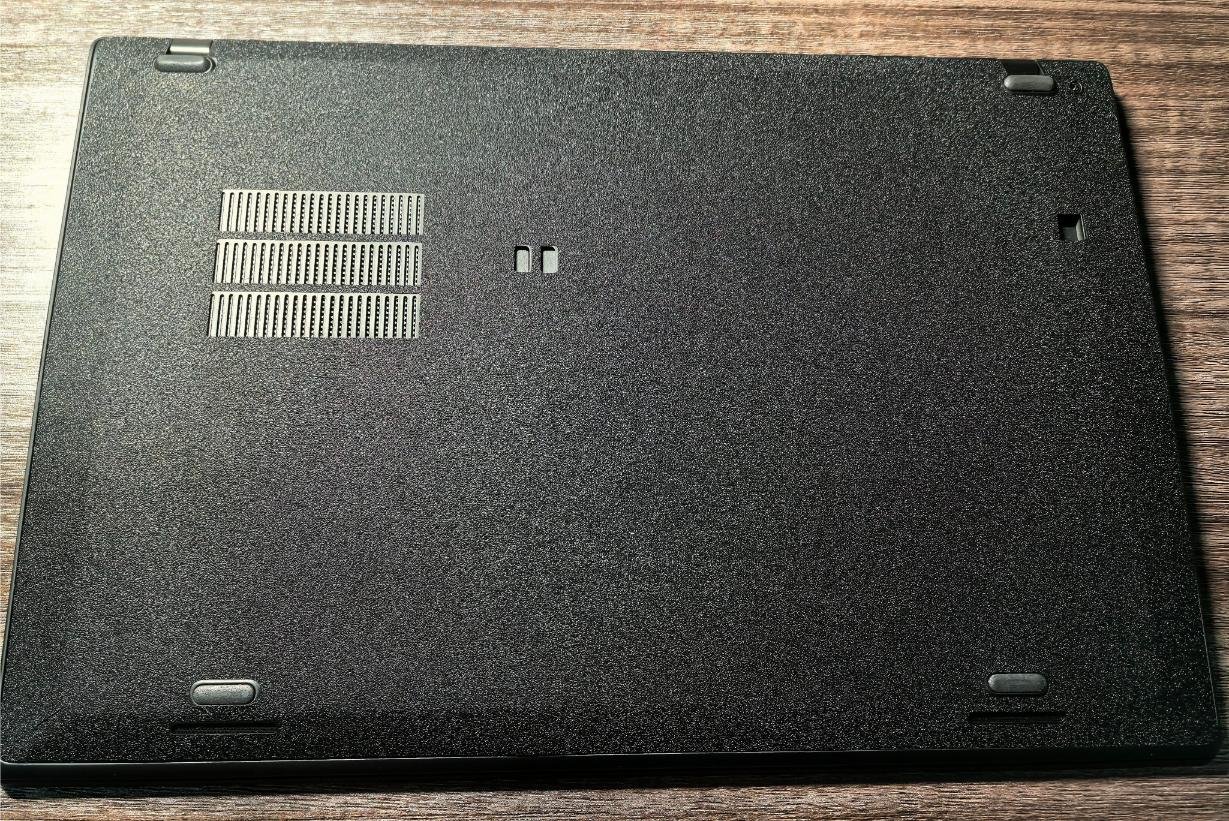
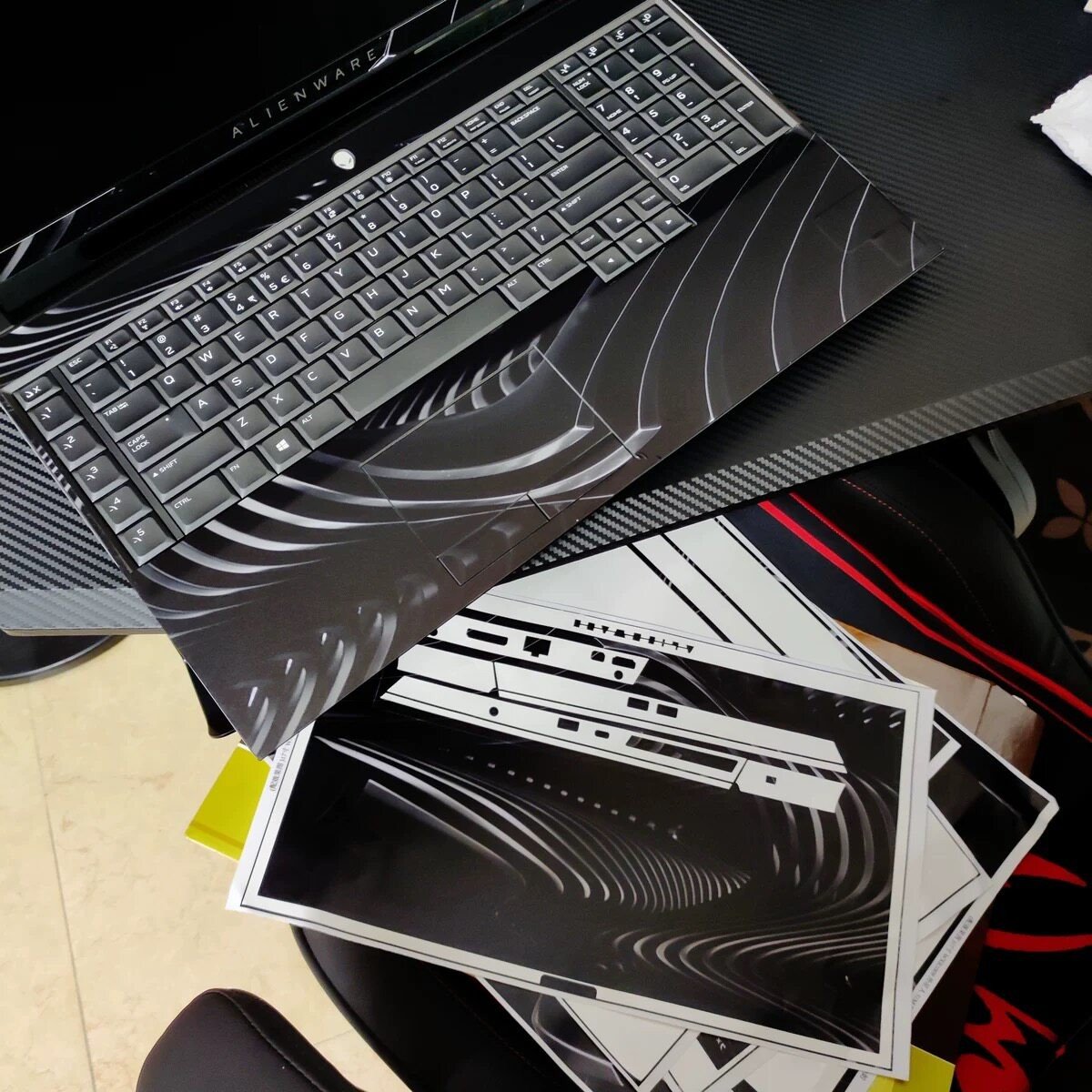
If you need a custom design, please first complete the basic matching of your laptop model with reference to the requirements of Article 1 【Direct Order via Title Verification】, then click the “Customize” button to enter the customization page, and confirm that the die-cut template and port opening positions shown on the page are completely consistent with your laptop body; if you have any problems or questions, please be sure to contact us for verification before submitting your order.
Customer Service Verification
If you cannot confirm your laptop’s exact model, or have any questions about fit compatibility, please contact our customer service team to verify BEFORE placing your order. This will help you avoid ordering an incompatible product that cannot be used.
Q: How to Choose the Right Color of Textured Laptop Skin for My Laptop?
Core Color Selection Principle
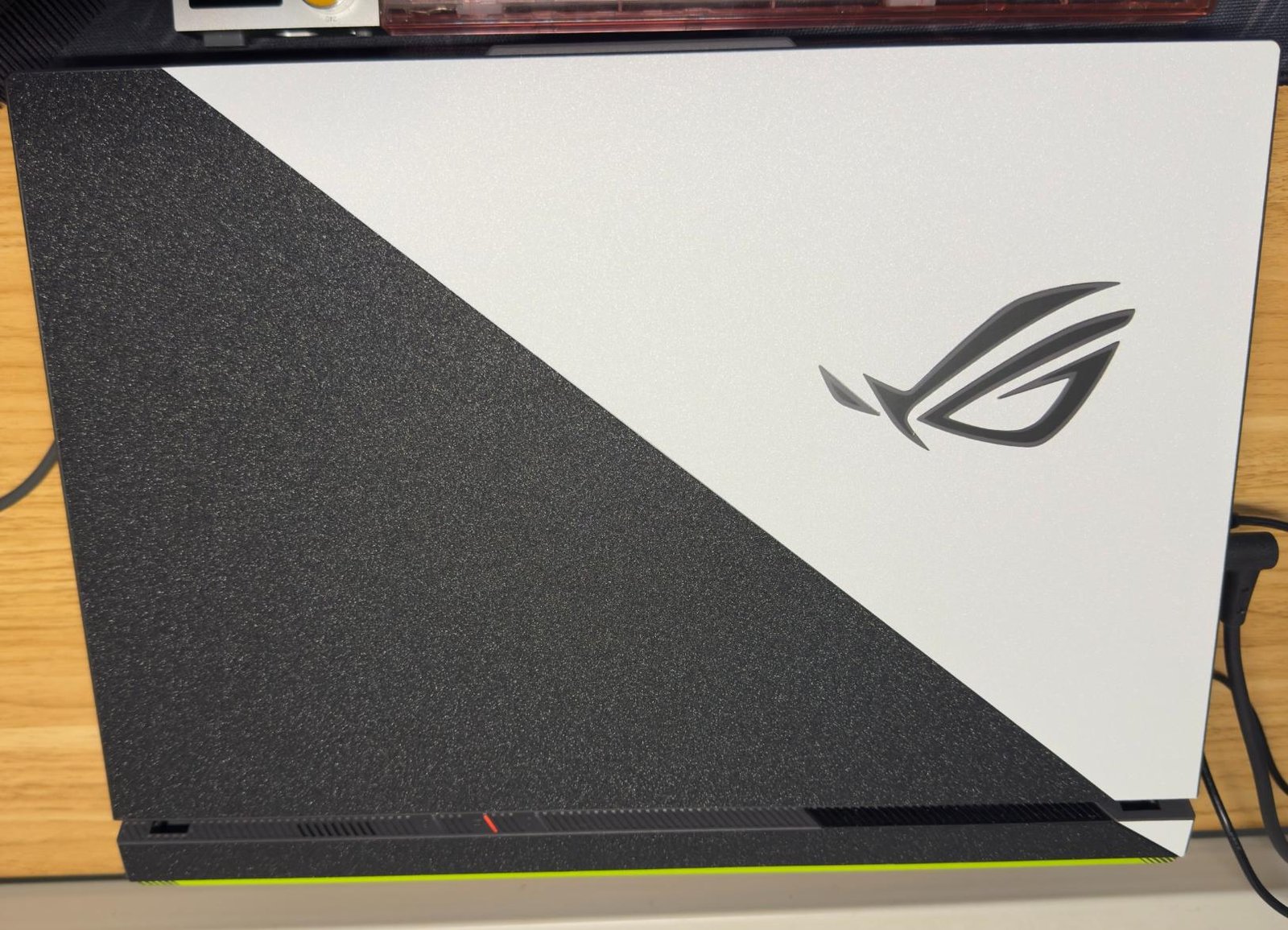
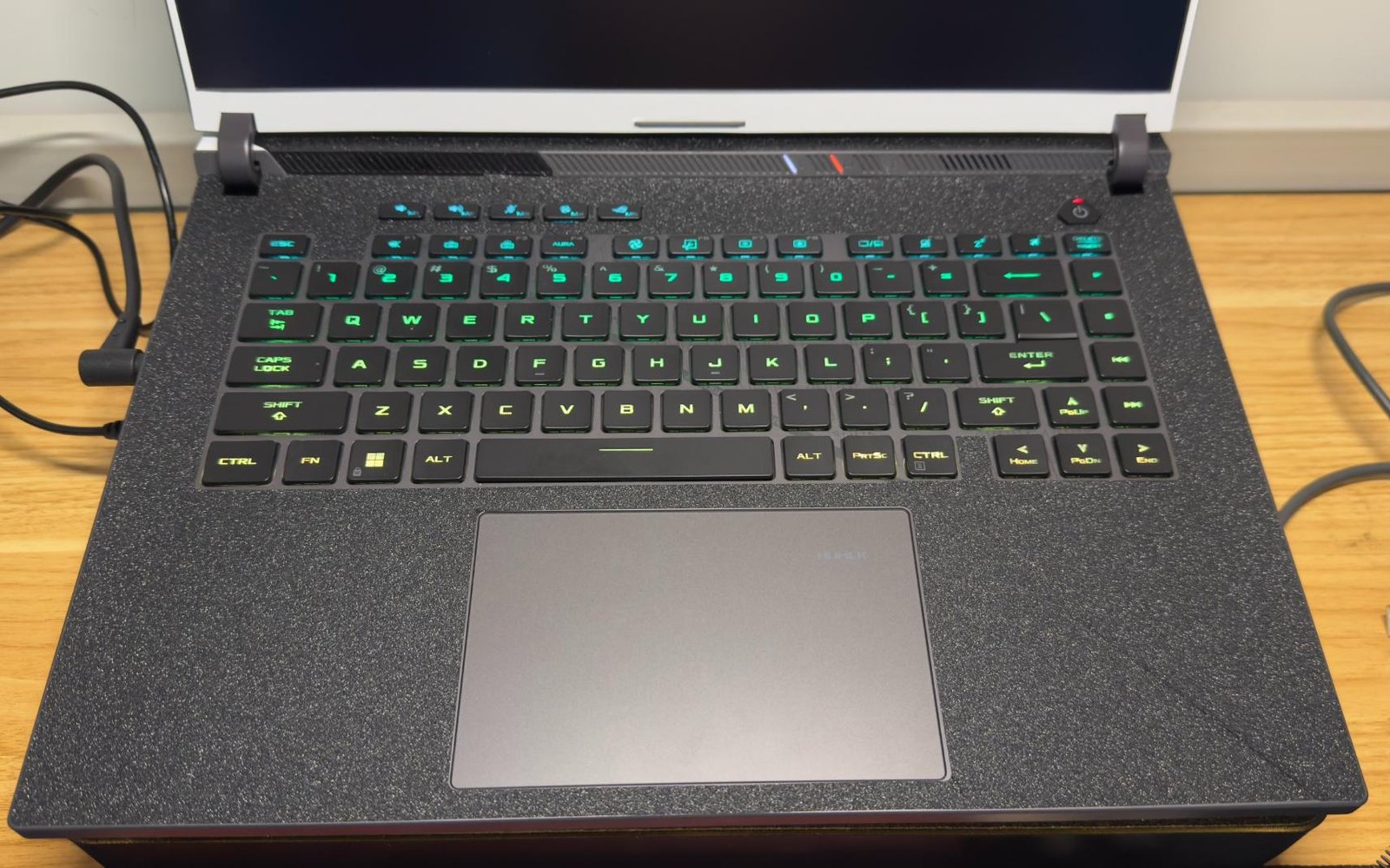
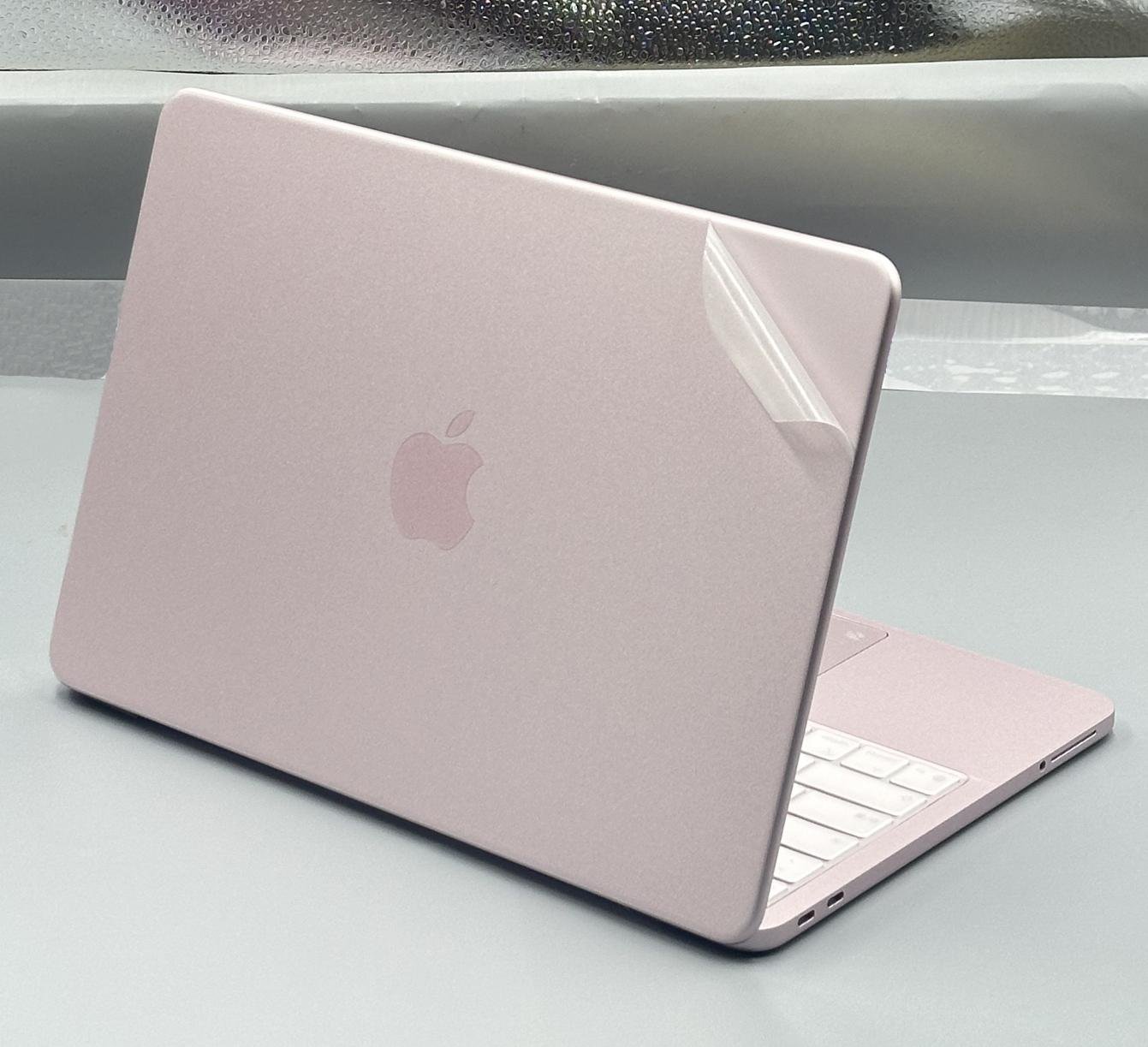
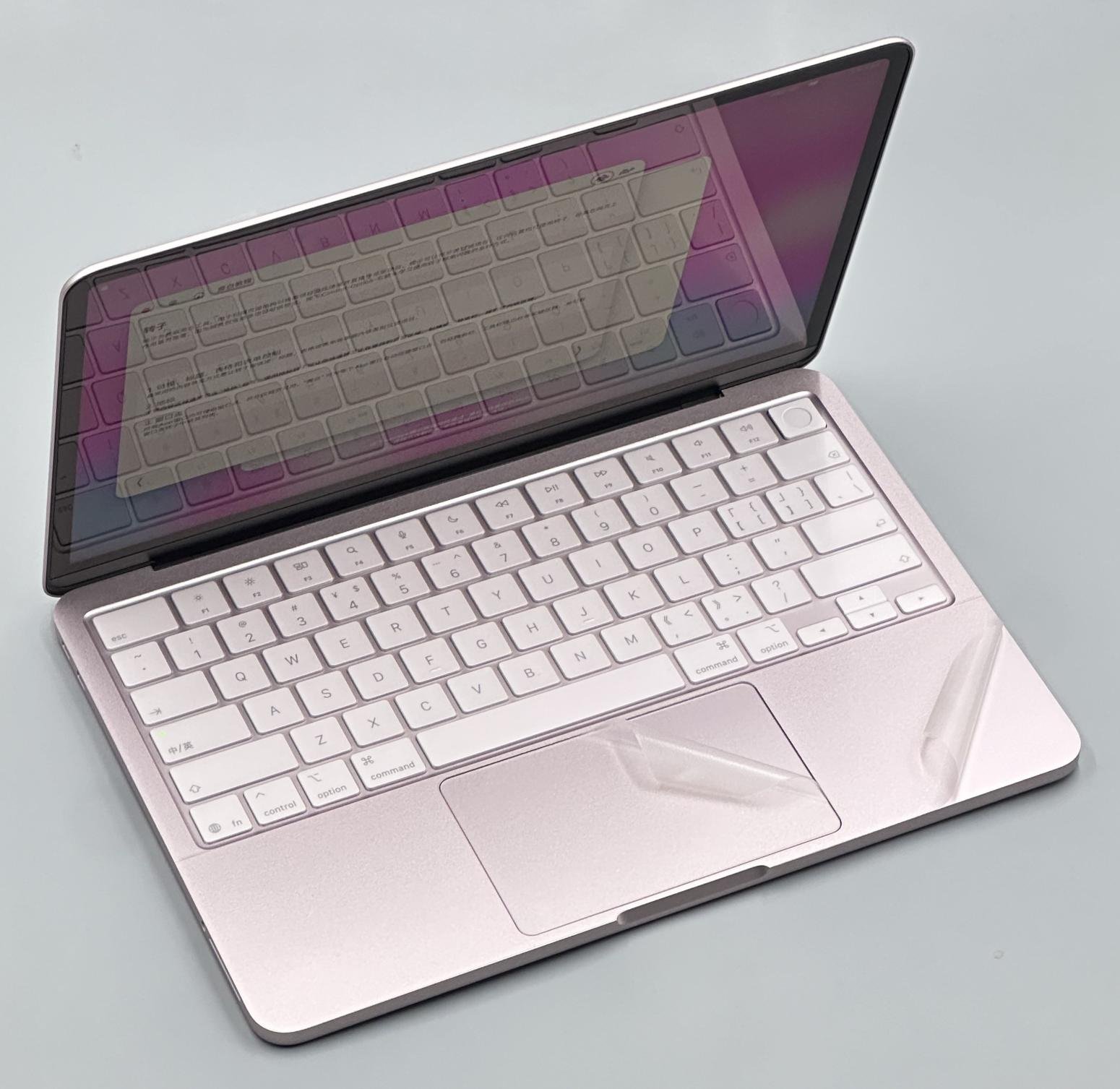
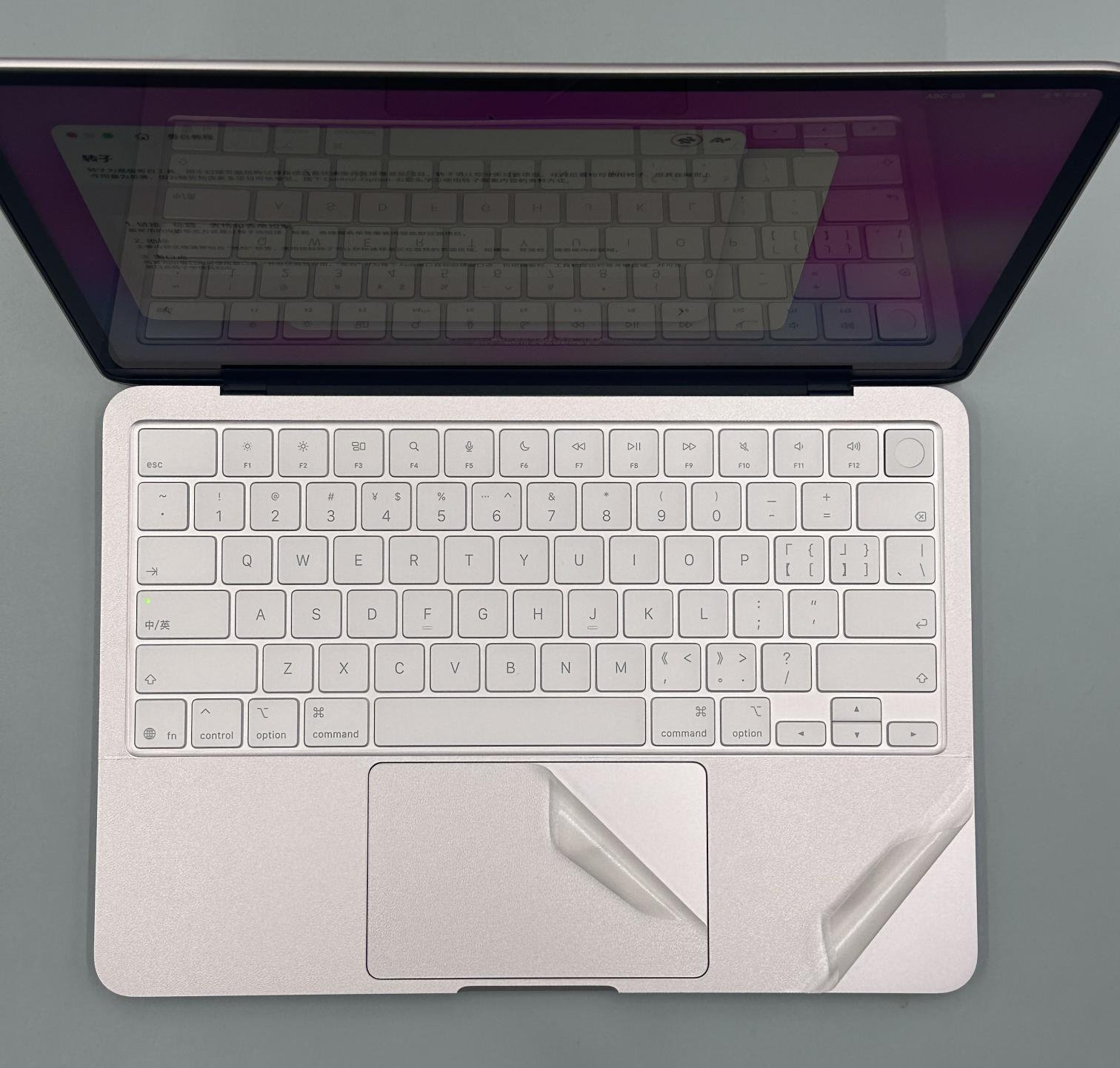
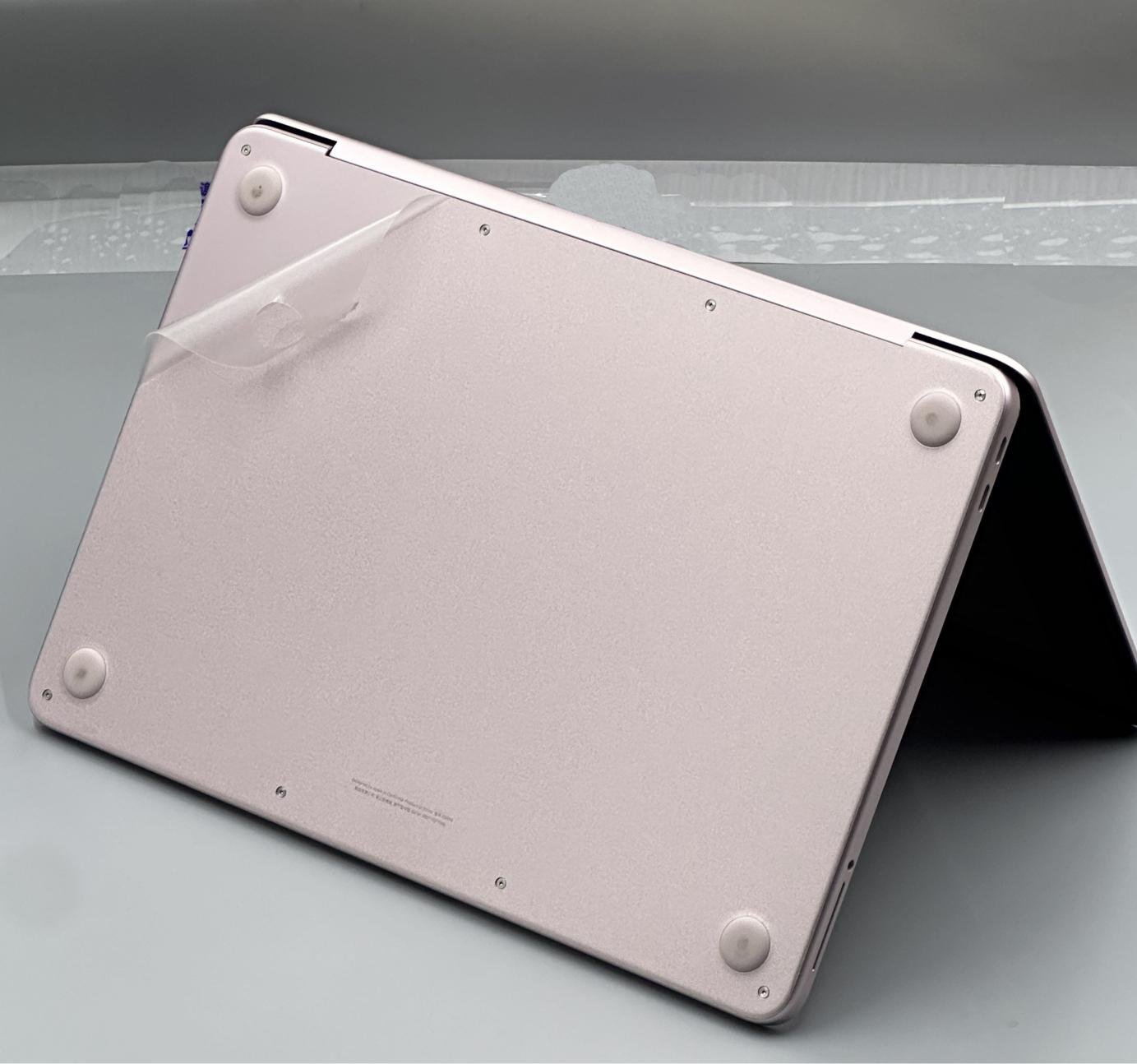
Prioritize a style that matches your laptop’s original chassis color. This delivers a perfectly coordinated, seamless look after application, for true invisible protection of your device.
Recommendation for Dark-Colored Laptops
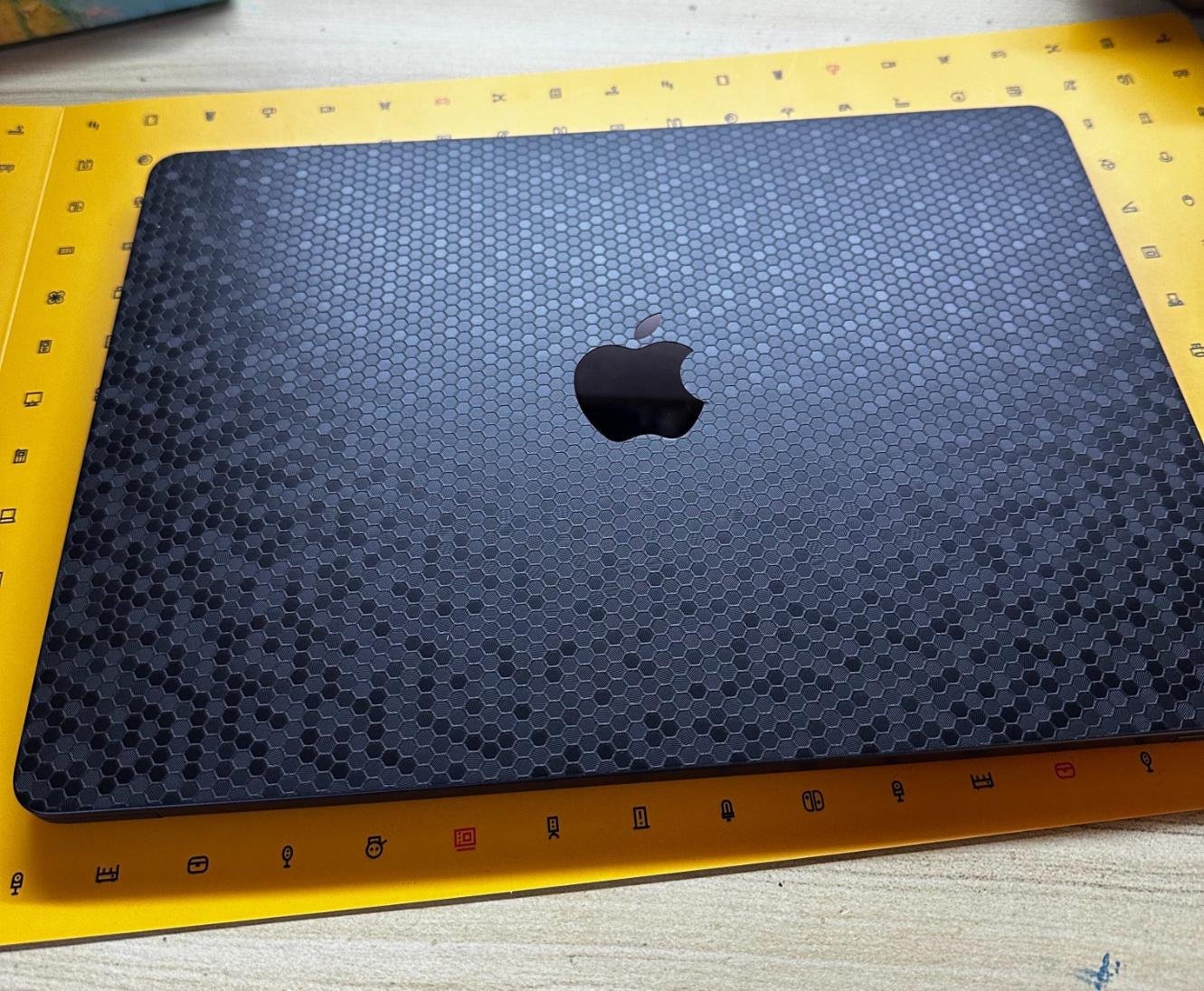
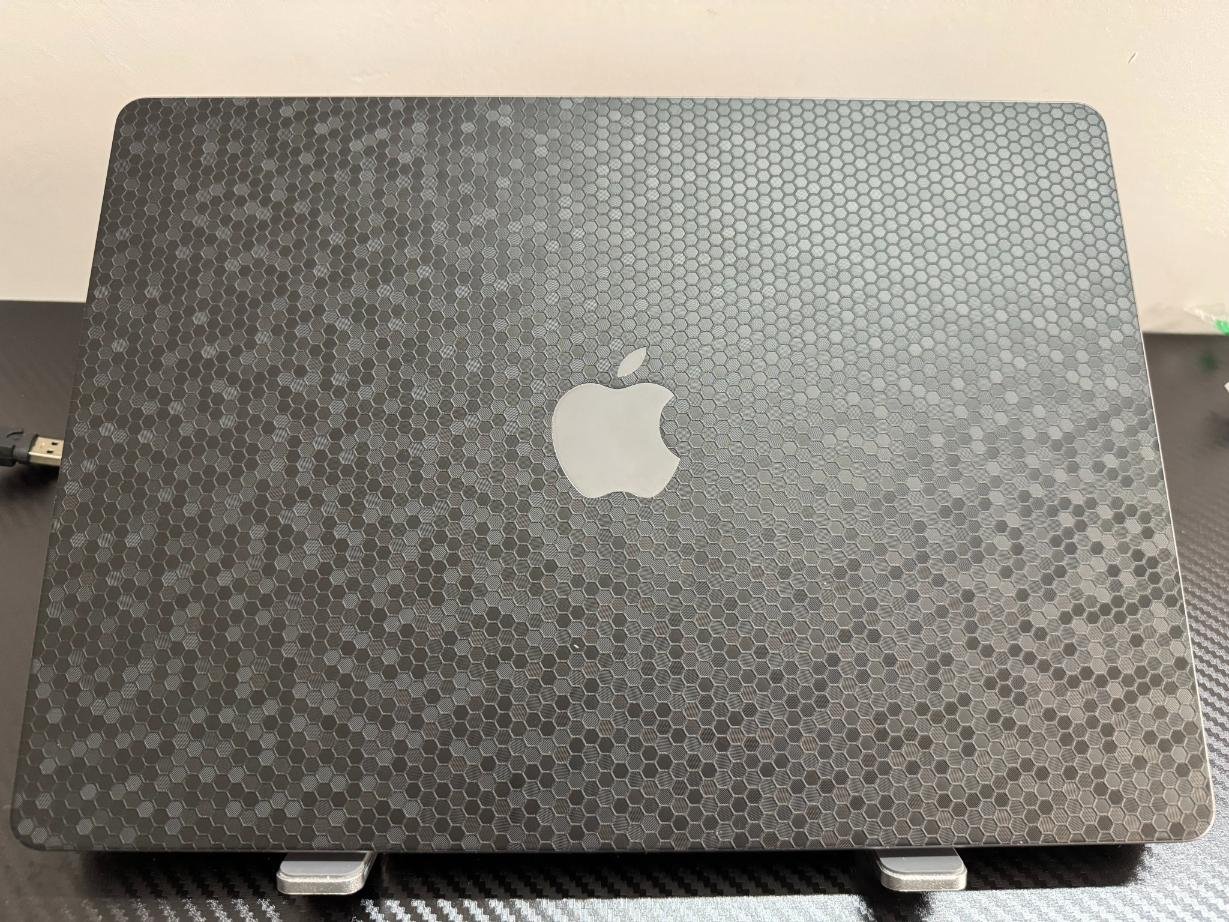
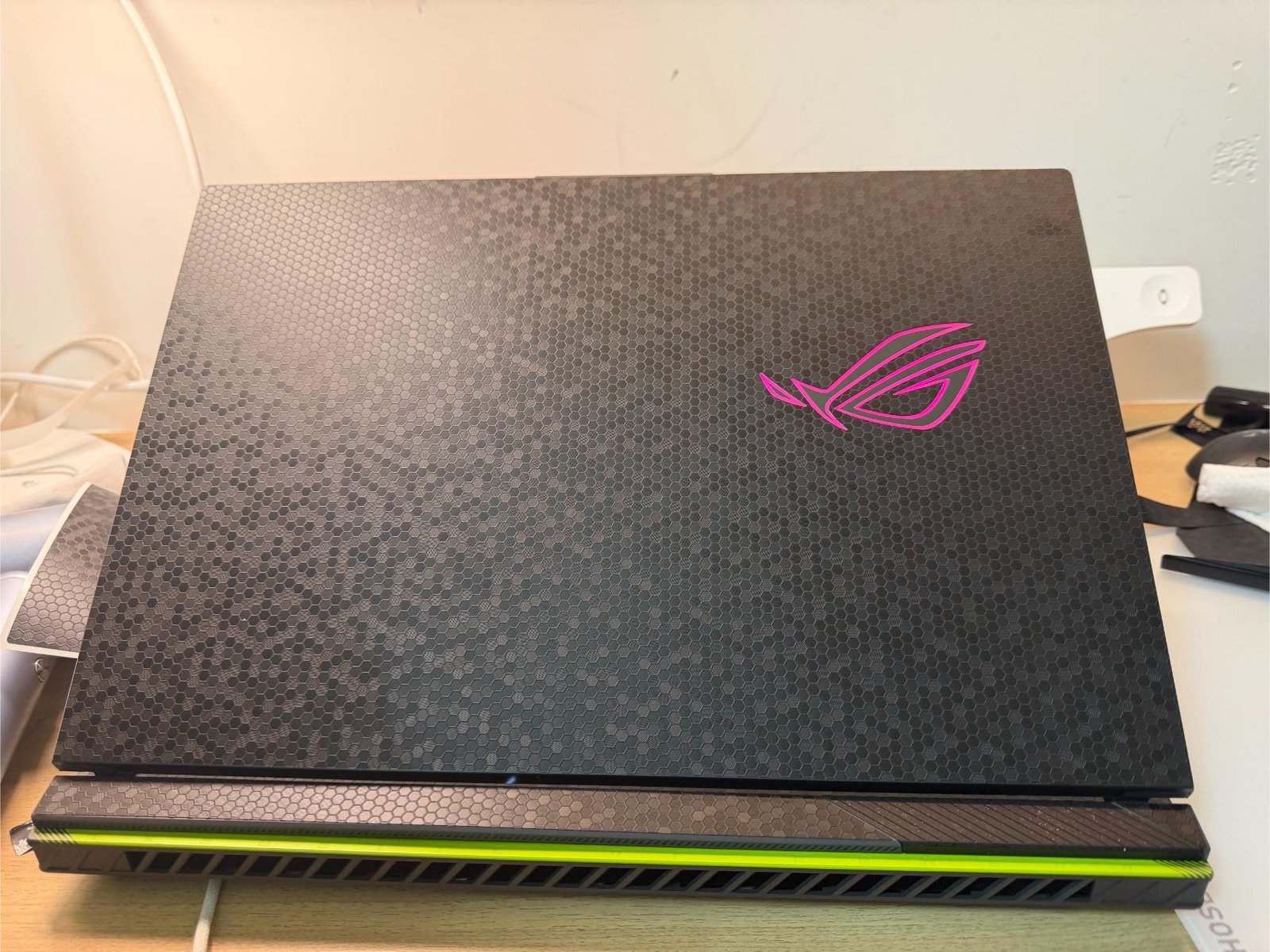
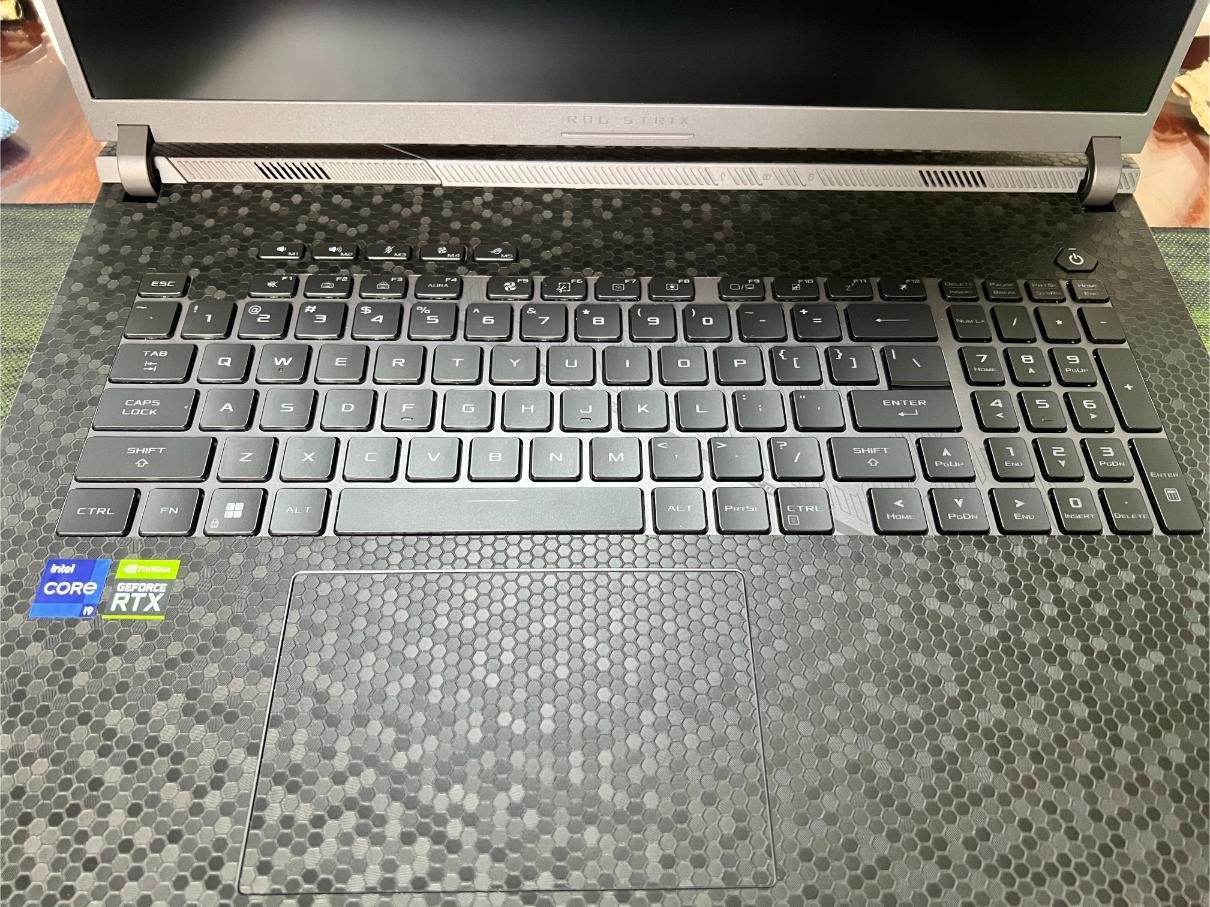
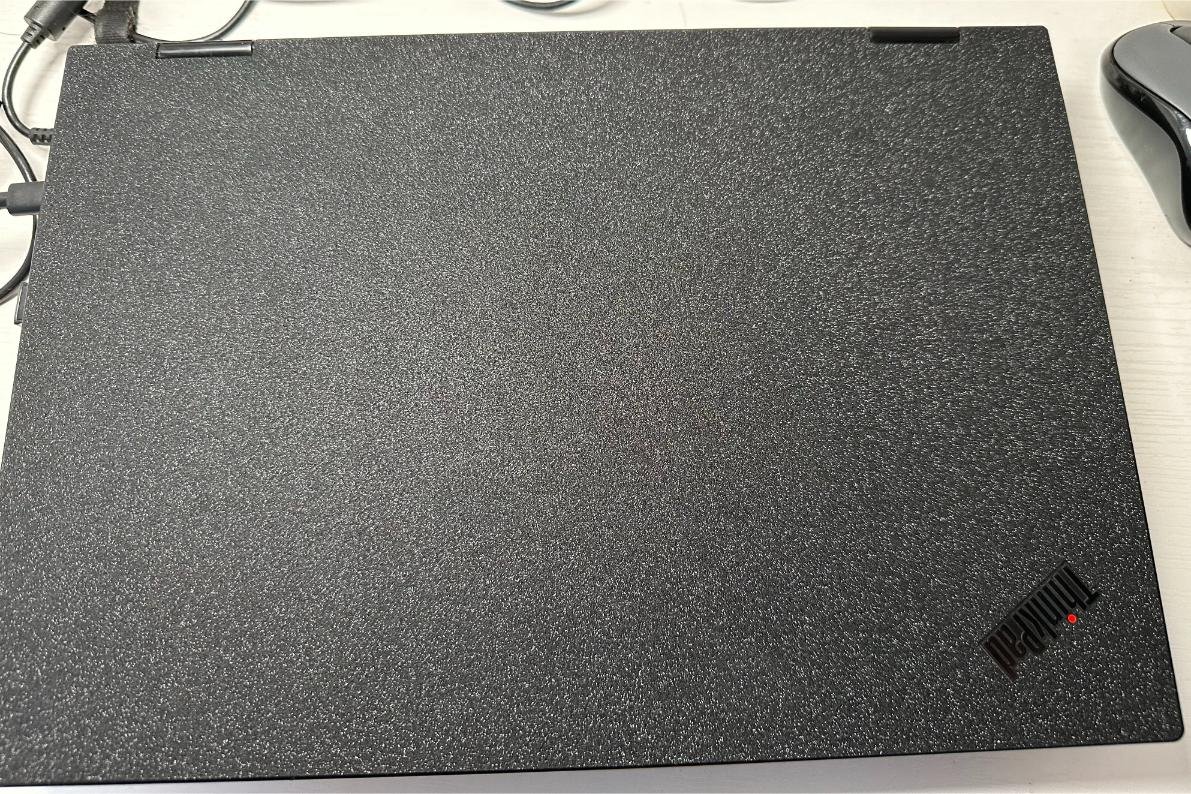
If your laptop has a dark chassis (such as classic black, space gray, and similar dark tones), we recommend prioritizing a protective skin in a shade close to black.
Recommendation for White Laptops
If your laptop has a white chassis, we recommend prioritizing a clear or pure white protective skin.
Personalized Color Options
Beyond our color-matching basics, we also offer a wide range of trendy colors to choose from, so you can customize your laptop to match your personal style.